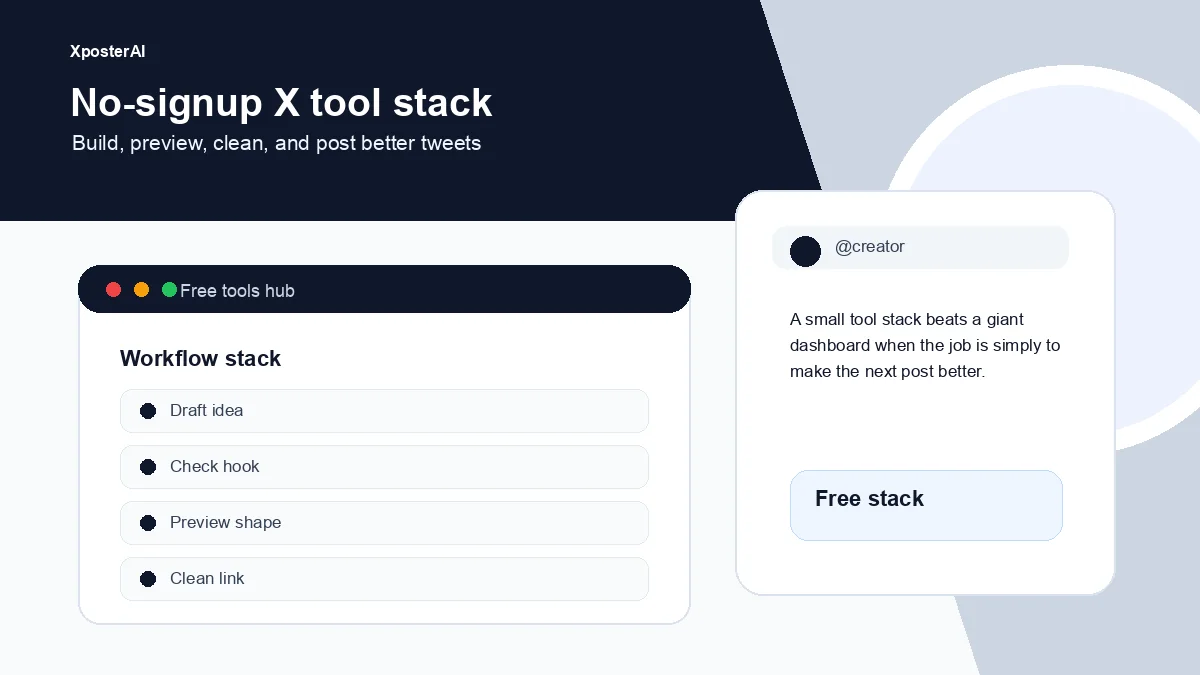
We just shipped four free tools for people who post on X. Each one is a single page that loads instantly, runs entirely in your browser, and never asks for an email, an API key, or a payment method. No upload. No login. No "subscribe to copy."
Here are the four:
- Twitter Character Counter — counts characters the way X actually does (URLs are 23, emojis are 2)
- Twitter Thread Splitter — paste a long post, get a numbered, copy-ready thread
- Twitter Bold Text Generator — convert plain text into Unicode bold / italic / monospace for X, LinkedIn, and Instagram
- Tweet Preview Generator — see exactly how your tweet will look on X (light, dim, or dark theme) and download as PNG
Browse them all at xposterai.com/tools/.
Why we built these
We make XposterAI, a Chrome extension that generates AI replies on X. The paid tool isn't the right fit for everyone — but the underlying problems (counting characters correctly, cleanly splitting threads, formatting text on a platform that doesn't support it) are universal. So we extracted the small useful pieces and put them on the public site for free.
If you find them useful and you reply on X regularly, the extension exists too. But these four don't push you toward it. They just work.
If these tools become part of a repeatable publishing rhythm, pair them with the social media content planning template. The tools handle the production details; the template keeps the posts tied to a strategy.
1. Twitter Character Counter
The thing most other counters get wrong: X doesn't count characters the way you'd expect.
- A URL — any URL, no matter how long — is counted as 23 characters. So
https://example.com/a/b/c/very/long/pathandhttps://x.comweigh exactly the same. - Most emojis count as 2 characters, not 1. A tweet of 140 emojis is over the limit.
- Combining marks, ZWJs, and grapheme clusters count by extended pictographic rules.
Our counter applies all of those rules in real time. Color-coded as you type — green when you're under 250, yellow when you're approaching the limit, red when you're over. It also tells you how many tweets your post would need if you split it into a thread, gives you a word count, and estimates reading time.
Use case: anyone editing a tight tweet who's tired of getting cut off after pasting a URL.
2. Twitter Thread Splitter
Paste a long post. Out comes a clean numbered thread, each tweet under 280 characters, copy-ready.
The splitter is sentence-aware: it tries to break on sentence boundaries first, falls back to word boundaries when a sentence is too long, and only does a hard character split as a last resort. The numbering format is configurable — (1/n), 1/n, or no numbering at all if you don't want it.
Each bubble has a copy button. There's a "Copy all" button that joins everything with double newlines, ready to paste into a thread editor.
Use case: turning a blog excerpt, a long-form thought, or a Notion doc into a publishable thread without manually counting characters per tweet.
3. Twitter Bold Text Generator
X doesn't support bold or italic in tweets. But Unicode does — there's a whole math-and-symbols block of letters that look bold, italic, or monospace. Type Hello, get back 𝐇𝐞𝐥𝐥𝐨 or 𝐻𝑒𝑙𝑙𝑜 or 𝐇𝐞𝐥𝐥𝐨 and so on.
Five styles, side-by-side, click to copy:
- Bold —
𝐇𝐞𝐥𝐥𝐨 - Italic —
𝐻𝑒𝑙𝑙𝑜 - Bold Italic —
𝑯𝒆𝒍𝒍𝒐 - Sans-serif Bold —
𝗛𝗲𝗹𝗹𝗼 Monospace—𝙷𝚎𝚕𝚕𝚘
Works on X, LinkedIn, Instagram, Discord, and basically anywhere that renders Unicode (which is almost everywhere). One small caveat: Unicode has no italic digits, so digits stay regular in italic and bold-italic. We handle the special-case of italic 'h' (U+1D455 is reserved, so we substitute U+210E ℎ) so it actually renders.
Use case: making a hook in a tweet stand out, formatting a LinkedIn post that won't let you bold things, or just being slightly more readable.
4. Tweet Preview Generator
Mock up exactly what your tweet will look like before you post it.
- Display name, handle, avatar (file picker — never uploaded, just a local object URL)
- Light, dim, or dark theme
- Verified checkmark toggle
- Live render with action icons and a realistic timestamp
- Download as PNG for sharing in your newsletter, on Slack, or in a portfolio
Use case: previewing a tweet for a client before posting, designing a screenshot for a thread, or making the kind of "I just hit publish" announcement image that gets retweeted.
Bonus: repost any tweet with the original creator credited
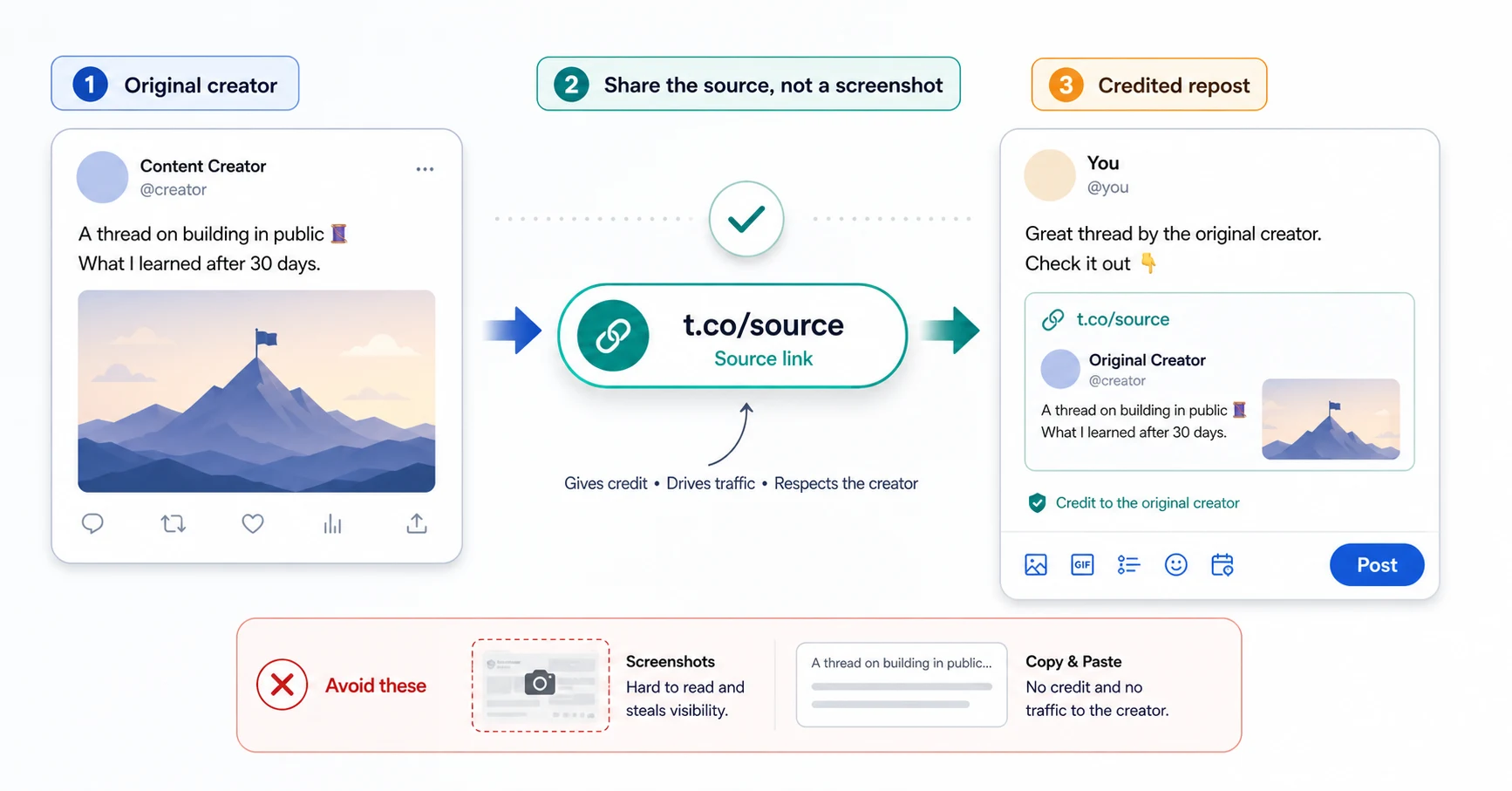
One more tool worth pulling out separately — the Tweet Source Link Extractor lets you share someone else's tweet from your own account with the original poster's link baked into the post body, so they get the engagement instead of you. We wrote a full how-to on it here.
What's next
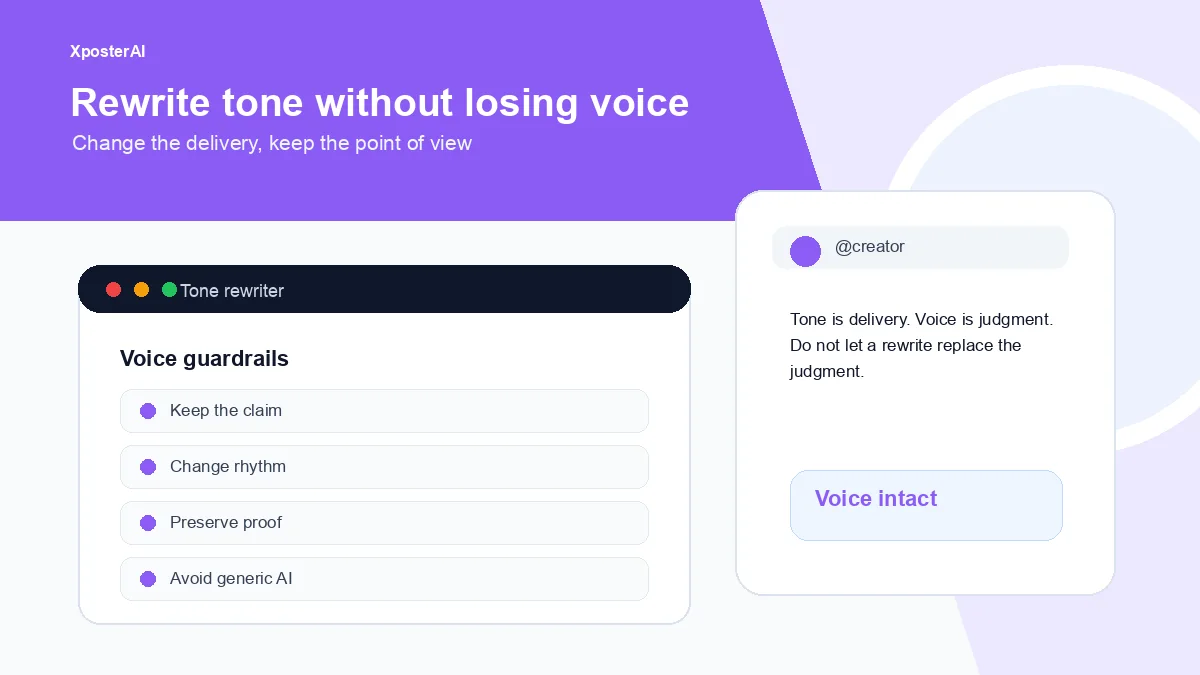
Four more Tier-A tools are scoped for the next sprint: an X engagement-rate calculator, a "best time to post" recommender, a hashtag density analyzer, and a Twitter emoji picker. After that we'll experiment with a couple of LLM-backed tools (a tone rewriter and a reply-to-tweet generator) — same philosophy: free, no friction, capped to small inputs to keep abuse impossible.
If there's a tool you wish existed, reply to @XposterAI on X — we read everything.
Try them all
- Twitter Character Counter
- Twitter Thread Splitter
- Twitter Bold Text Generator
- Tweet Preview Generator
Or browse them all at xposterai.com/tools/.
If you reply on X often and want AI-generated replies in your own voice, the XposterAI Chrome extension gets you free reply credits every day — no card needed. Paid plans go a step further with Persona Studio: paste 100–200 of your past tweets at /dashboard/persona and every reply, variant, and paid free-tool output gets prepended with a voice fingerprint derived from how you specifically write. Generic AI cadence stops being the default.
For the reply-writing workflow behind that, read How to Write Better X Replies With AI.