Copying an X post into LinkedIn looks easy until the spacing changes.
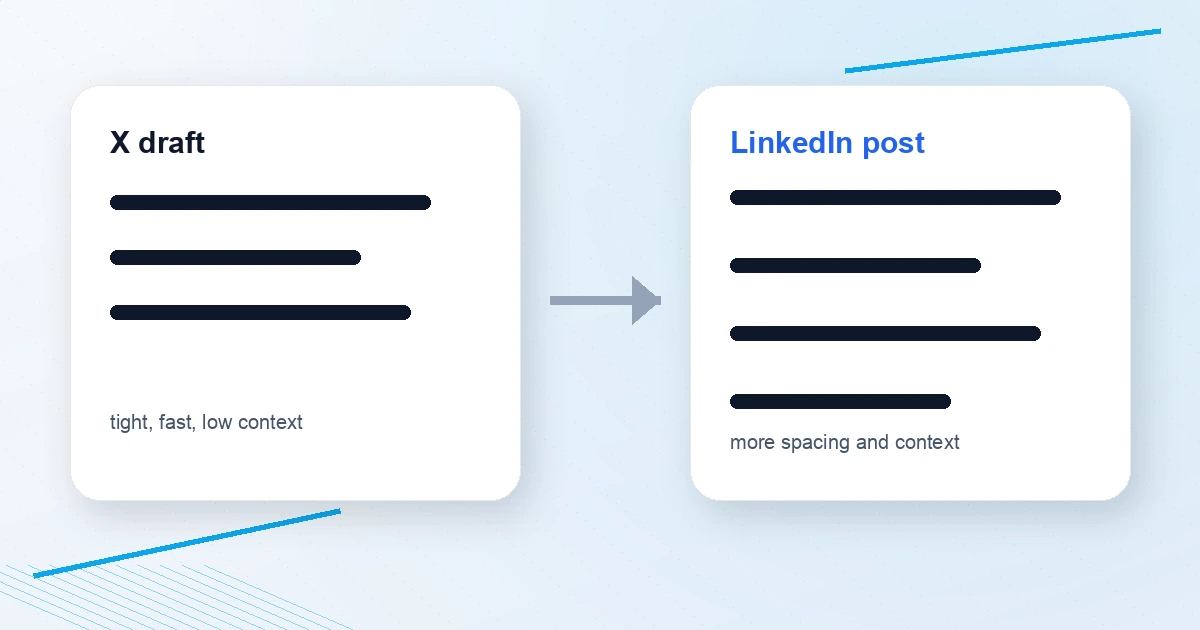
The same text that feels sharp on X can turn into a dense block on LinkedIn, or a LinkedIn post can feel bloated when pasted back into X. The words are the same, but the platform shape is different.
Use the free Social Post Line Break Formatter to reformat the same draft for X, LinkedIn, Threads, Bluesky, or Mastodon. It keeps your words intact while adjusting whitespace and character counts.
Quick answer: why does cross-post formatting break?
Because each platform rewards a different reading pattern:
- X rewards short, tight posts and controlled blank lines.
- LinkedIn rewards more context and wider paragraph spacing.
- Threads and Bluesky tolerate conversational spacing, but still have limits.
- Mastodon has more room, but long blocks still hurt readability.
LinkedIn's post help page lists a 3,000-character post limit. X's standard composer is much tighter, so a post that fits LinkedIn may need to become a thread or shorter X post.
The X-to-LinkedIn problem
An X post often looks like this:
Strong hook.
Short point.
Sharp CTA.
On LinkedIn, that can feel abrupt. LinkedIn readers often expect more context:
Strong hook.

Short point with one extra sentence of context.

Why this matters.

Clear CTA.
That is why the Tweet to LinkedIn Converter expands a tweet into a LinkedIn-shaped post, while the Social Post Line Break Formatter fixes spacing without rewriting the message.
The LinkedIn-to-X problem
LinkedIn posts often include:
- Longer openers
- More blank lines
- Extra context
- Broader business framing
- Longer CTAs
When pasted into X, that can become too long or too soft.
For X:
- Put the strongest point first.
- Cut the context.
- Use fewer blank lines.
- Turn longer ideas into threads.
- Check the count with the Twitter Character Counter.
If the idea needs more room, use the Thread Outline Builder and Twitter Thread Splitter.
A simple cross-post workflow
- Write the core idea once.
- Decide the primary platform.
- Reformat for each secondary platform.
- Adjust the hook for that audience.
- Clean links and tracking parameters.
- Preview before posting.
Useful tools:
- Social Post Line Break Formatter
- Tweet to LinkedIn Converter
- Social Media Character Counter
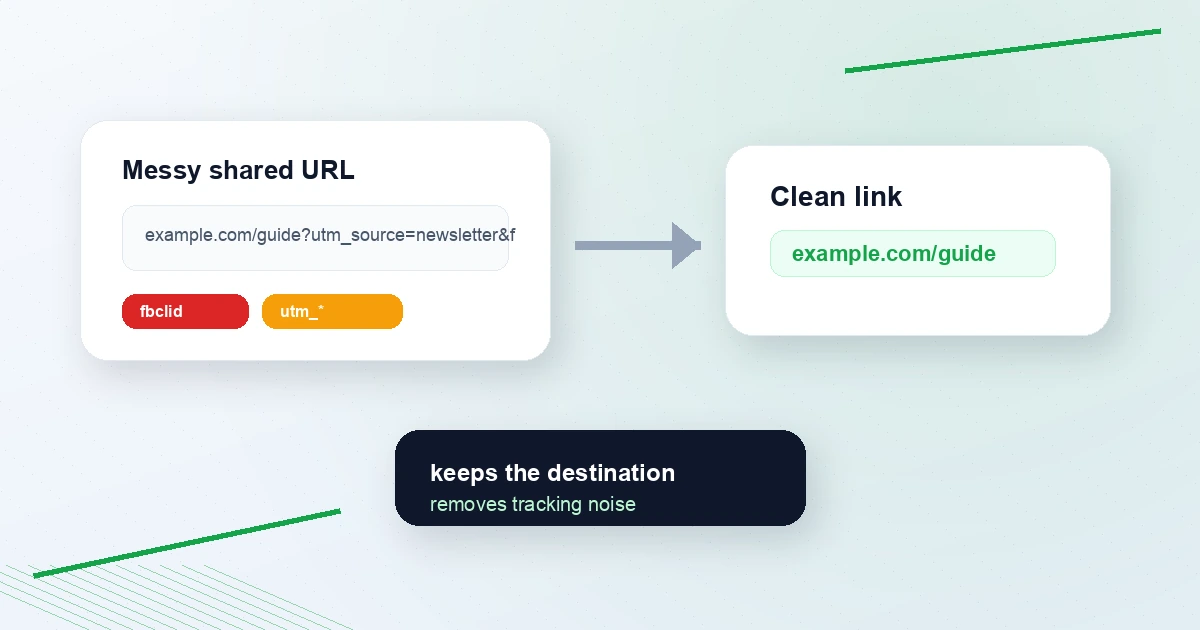
- Tweet Link Cleaner
- UTM Campaign URL Builder
Example: one idea, two shapes
X:
Most creators do not need more ideas.

They need a repeatable way to turn one idea into:

- a post
- a reply
- a thread
- a LinkedIn version

The workflow matters more than the blank page.
LinkedIn:
Most creators do not need more ideas.

They need a repeatable way to turn one idea into multiple useful formats.

One strong point can become a short X post, a thoughtful reply, a thread, and a LinkedIn post with more context.

The workflow matters more than the blank page.
Same idea. Different platform shape.
FAQ
Can I post the exact same text on X and LinkedIn?
You can, but it is rarely the best version for both. Reformat spacing, adjust context, and check character limits before posting.
What is the LinkedIn post character limit?
LinkedIn's help center lists the post character limit as 3,000 characters. That gives more room than X, but readability still matters.
Should I use blank lines on X?
Yes, but sparingly. Blank lines improve scanning, but extra whitespace can make a short post feel padded. Use the Social Post Line Break Formatter to clean excess spacing.
Reformat before you repost
Start with the Social Post Line Break Formatter. If you are moving an X post into LinkedIn, try the Tweet to LinkedIn Converter too.
Cross-posting works best when the idea stays consistent but the format respects the platform.