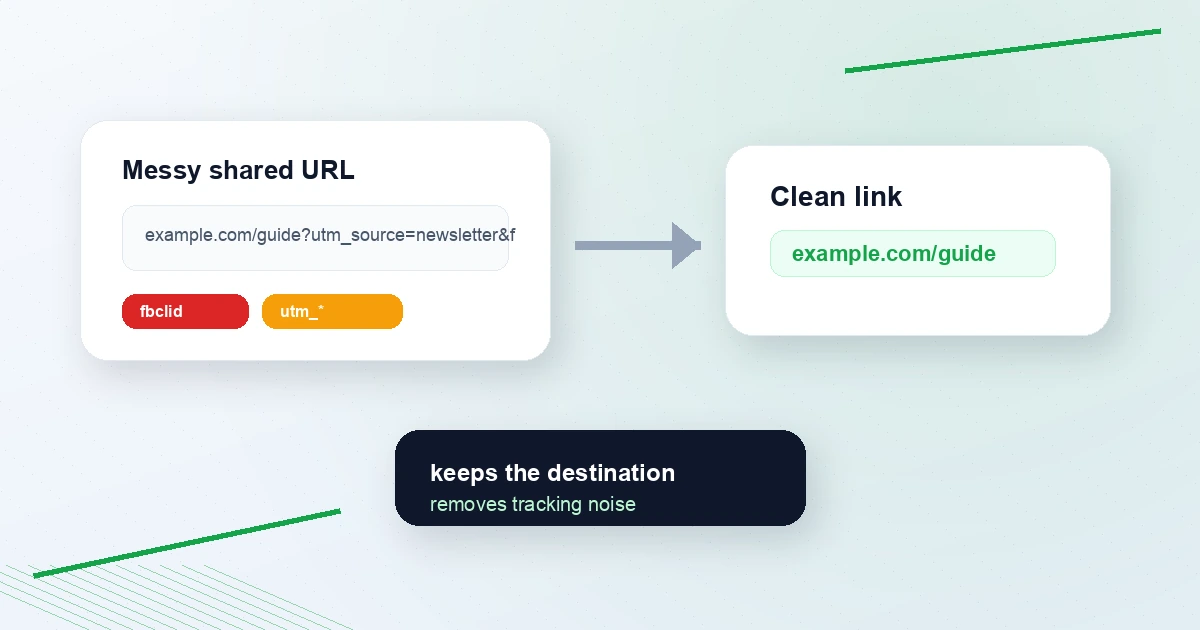
Clean your links before posting on X: why tracking parameters make posts look worse
Long links make posts feel messy.
You paste a useful article into X and the URL has utm_source, utm_medium, fbclid, gclid, mc_cid, and a dozen other parameters. The page may still load, but the post looks less trustworthy.
The free Tweet Link Cleaner strips common tracking parameters in your browser. It preserves the page path, useful query parameters, and fragments, but removes common analytics and click identifiers.
Quick answer: should you remove tracking parameters before posting?
Remove tracking parameters when you are sharing someone else's link, quoting a source, or reposting a useful resource. Keep UTM parameters when you are tracking your own campaign and you control the analytics destination.
That distinction matters:
- Sharing a helpful article: clean the link.
- Tracking your newsletter launch: keep the UTM link.
- Reposting someone else's post: use the source link workflow.
- Sharing a checkout or app link: test after cleaning before posting.
What tracking parameters look like
Messy:
https://example.com/guide?utm_source=newsletter&utm_medium=email&utm_campaign=launch&fbclid=abc123
Clean:
https://example.com/guide
Common removable parameters include:
utm_source,utm_medium,utm_campaign,utm_term,utm_contentfbclid,gclid,gbraid,wbraidtwclid,ttclid,li_fat_idmc_cid,mc_eid,_hsenc,_hsmiref,ref_src,source
The Tweet Link Cleaner lists the major groups it strips and runs locally in your browser.
When not to clean a link
Do not blindly strip every query parameter.
Some query parameters are functional:
- Search filters
- Referral codes you intentionally want to share
- Checkout session IDs
- App state
- Language or region settings
- Invite tokens
The cleaner is designed to remove common tracking parameters while preserving non-tracking parameters. Still, if the link is a checkout, invite, or account-specific URL, open the cleaned link before posting.
Clean links vs UTM links
UTMs are not bad. They are useful when you need attribution.
Google's campaign tracking documentation describes UTM-style campaign parameters as a way to identify campaign source, medium, name, term, and content in analytics. If you are linking to your own site, UTMs can tell you which X post drove clicks.
Use the UTM Campaign URL Builder when you own the destination and want to track performance. Use the Tweet Link Cleaner when you are sharing a link that does not need your tracking baggage attached.
Simple rule:
Your campaign link -> build UTMs
Someone else's resource -> clean the link
How to clean a link before posting
- Paste the link or full post into the Tweet Link Cleaner.
- Copy the cleaned text.
- Open the cleaned link once if it is an app, checkout, or invite URL.
- Paste into X.
- Check the final post preview.
If the link is part of a source-aware repost, read How to repost on X without stealing credit or use the Tweet Source Link Extractor.
Why this helps trust
Clean links are easier to read. They also avoid leaking campaign IDs or click identifiers that do not help the reader.
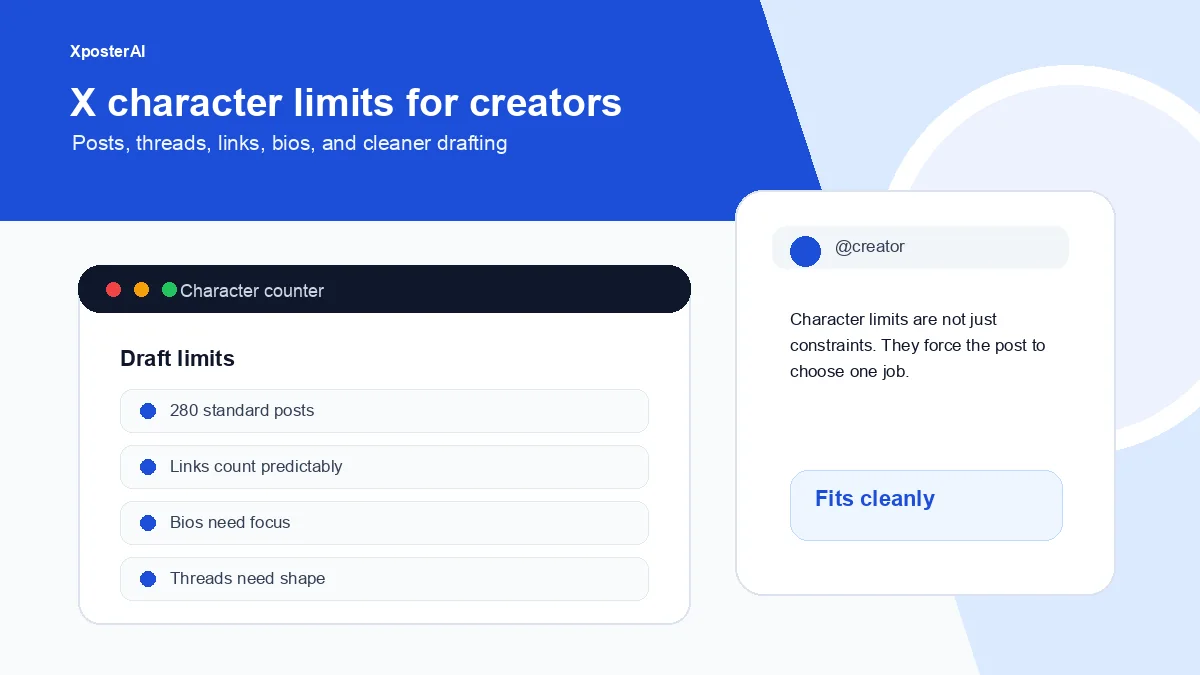
This matters more when the post is short. X counts normal posts at 280 characters, and even though URLs are weighted specially, surrounding junk still makes the draft look worse. Use the Twitter Character Counter if you are editing a tight post.
FAQ
Do tracking parameters change where a link goes?
Usually no. Parameters like utm_source and fbclid are generally used for attribution. But some query parameters are functional, so test links that include checkout, invite, or app state.
Are UTM links bad on X?
No. Use them when you own the destination and need campaign reporting. For your own links, the UTM Campaign URL Builder is the right tool.
Does the Tweet Link Cleaner upload my URLs?
No. The cleaner runs in your browser. It does not send URLs to a server.
Use the right link tool
- Clean messy shared links: Tweet Link Cleaner
- Build tracked campaign links: UTM Campaign URL Builder
- Repost an X post with credit: Tweet Source Link Extractor
Cleaner links make posts feel more intentional. Use tracking when it serves you. Strip it when it only adds noise.