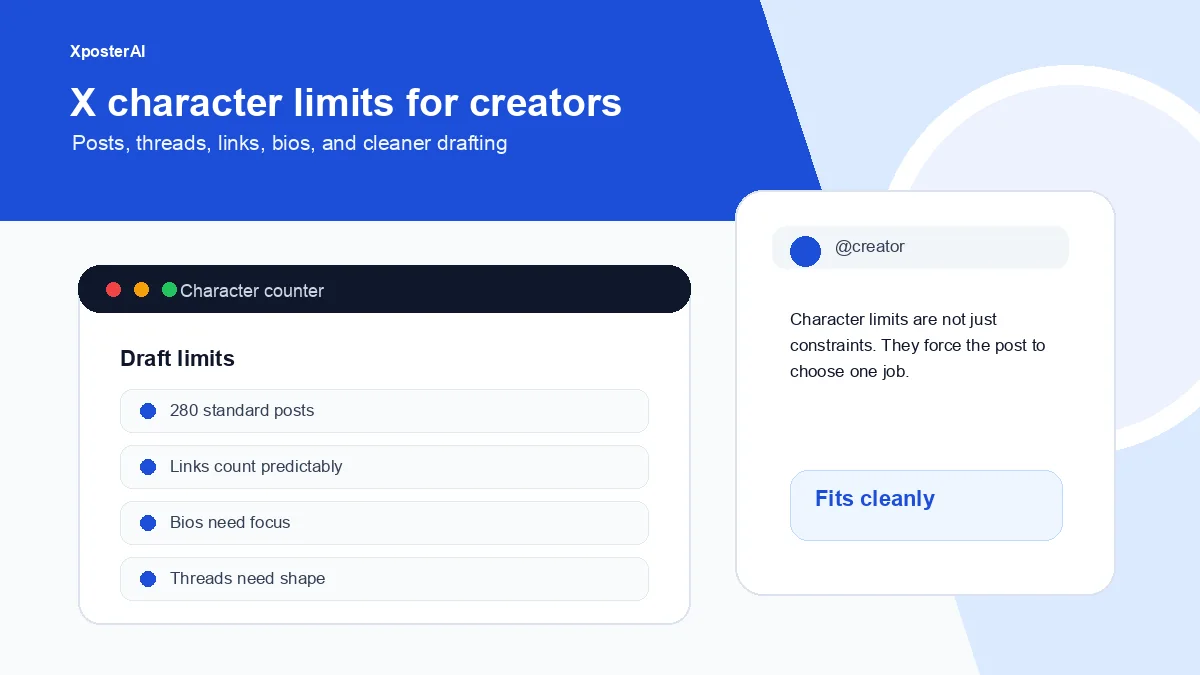
Character limits look like a technical detail until you start using them as an editing tool.
The limit forces a choice. Is this one clean post? A thread? A longer article? A reply? A bio line? When creators ignore that choice, they either cram too much into one post or split a weak idea into a thread that nobody needed.
Quick take
X's character-counting documentation describes standard posts as up to 280 characters, with URLs and some Unicode characters counted using platform rules. X also documents longer posts as an X Premium feature. For normal creator workflows, check short posts with the Twitter character counter, compare other platforms with the social media character counter, and split longer ideas with the thread splitter.
The useful way to think about limits
Do not ask, "How do I fit this?"
Ask, "What format does this idea deserve?"
| Idea type | Better format |
|---|---|
| One sharp observation | Single post |
| One point with proof | Short thread |
| A sequence of steps | Thread or guide |
| A nuanced argument | Blog or newsletter |
| A quick reaction | Reply |
| Profile promise | Bio |
The wrong format makes even good ideas feel awkward.
Links, emojis, and styled text
Raw character count is not always the same as platform count. URLs are treated by X using its own weighting rules. Emojis and Unicode styled text can also behave differently than plain letters — a single flag emoji can eat four to eight code units depending on how it's composed. That's why a dedicated counter is safer than guessing in a notes app.
This matters most when a post is already close to the limit. If you are fighting for the final five characters, the better edit is usually not a trick. Cut a sentence. Make the idea sharper. I once spent ten minutes trying to squeeze a 287-character draft to 280 with smart quotes and ellipses, then realized the second sentence said the same thing as the first. Deleted it. Came in at 198.
Single post or thread?
Use a single post when the point lands without scaffolding.
Use a thread when the reader needs sequence: setup, proof, example, implication, next step.
Do not make a thread just because a post is long. A thread is not a storage container. It is a reading experience.
Single-post version:
Your X bio should not describe your whole life. It should help the right person decide whether your account is worth following.
Thread version:
- Your X bio is probably leaking follows.
- The visitor is asking four questions.
- Who is this for?
- What will I get?
- Why should I trust it?
- What should I click next?
The thread works because every tweet has a job.
Tools for counting and splitting
Use the Twitter character counter for X drafts, the social media character counter when you are adapting for LinkedIn, Threads, Bluesky, or Mastodon, and the Twitter thread splitter when a finished draft needs clean splits. If you are still shaping the argument, start with the thread outline builder instead.
FAQ
What is the standard X post character limit?
X's character-counting docs describe standard posts as up to 280 characters. X Help documents longer posts as a Premium feature, so check current X Help docs for account-specific behavior.
Do links count as their full length?
No, and this trips up almost everyone the first time. X applies its own URL weighting rules — a 120-character Shopify product link and a 25-character bit.ly both end up counted as the same short t.co-style allocation. The catch is that your character counter still shows the raw length while you draft. A dedicated counter that mirrors X's rules is safer than judging by what your textarea shows.
Should creators use longer posts?
Use longer posts when the idea truly needs the space. For discovery, a clear short post or structured thread is often easier to scan.