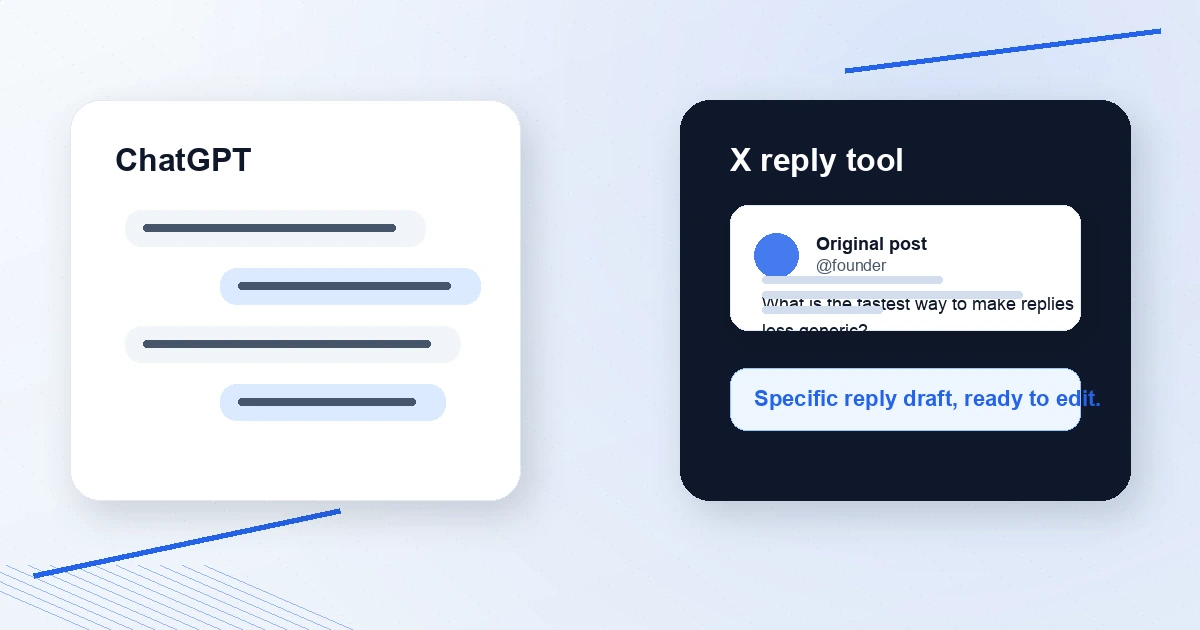
ChatGPT can write X replies. The question is whether it is the fastest and most reliable workflow for the reply you need right now.
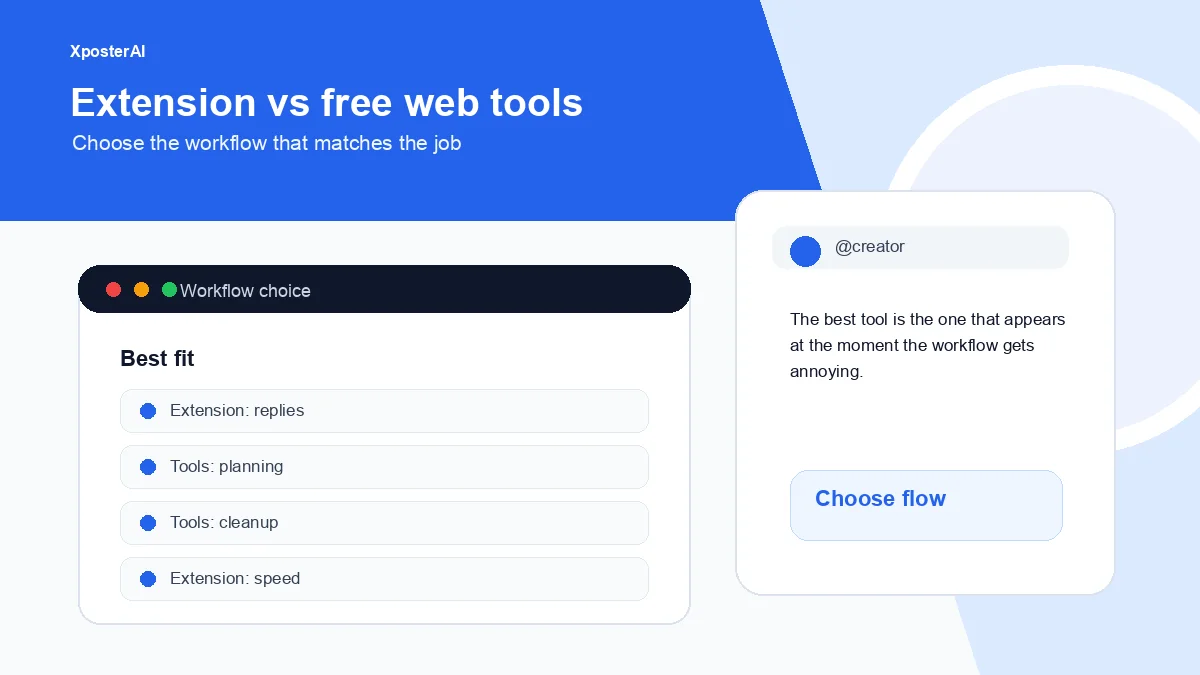
If you are brainstorming, refining a point, or asking for several angles, ChatGPT is flexible. If you are already on x.com and need a reply that fits the post in front of you, a dedicated X reply generator is usually faster.
Try the free Twitter Reply Generator for small inputs, or use the XposterAI Chrome extension when you want reply drafts directly inside X.
Quick answer
Use ChatGPT when:
- You want to brainstorm many angles
- You are writing a longer response
- You need strategy, not just a reply
- You want to explain background context
Use a dedicated X reply generator when:
- You are already reading a post on X
- You need a short reply fast
- You want tone presets
- You want fewer copy-paste steps
- You want a workflow built around 280-character replies
The problem with generic AI replies
Bad AI replies sound like this:
Great point! This is such an important reminder for anyone trying to grow.
They are polite, empty, and forgettable.
Good replies usually do one of these:
- Add a specific observation
- Ask a useful question
- Extend the idea
- Challenge one assumption
- Share a relevant example
- Make the original poster look smart
The Twitter Reply Audit is built around that distinction. Paste the original post and your draft reply, and it diagnoses why the reply might not land.
ChatGPT workflow
A good ChatGPT prompt looks like:
Write 5 possible X replies to this post.

Constraints:
- under 180 characters
- specific, not generic
- no "great point"
- sound like a practical founder
- one version should ask a sharp question

Post:
[paste post]
This can work well. The downside is friction. You have to copy the post, switch tabs, prompt, choose a result, edit, switch back, and paste.
That is fine for important replies. It is slow for everyday engagement.
Dedicated reply generator workflow
The Twitter Reply Generator is narrower:
- Paste the post.
- Pick a tone.
- Generate a reply.
- Copy or post.
The Chrome extension removes even more friction because it runs where the post already lives.
That matters because reply quality is partly about timing. A good reply tomorrow is often less useful than a solid reply while the conversation is active.
Best results: use both
Use this split:
- ChatGPT for strategy, positioning, and longer thinking
- XposterAI for in-context replies
- Reply Audit for checking important drafts
- Persona Studio for making outputs sound closer to you
If your main problem is generic style, read Persona Studio: Train Your Voice Into XposterAI. If your main problem is reply structure, read How to Write Better X Replies With AI.
Reply quality checklist
Before posting, ask:
- Is this specific to the original post?
- Could this reply fit under 20 different posts? If yes, rewrite it.
- Does it add something?
- Is it short enough to read in one glance?
- Does it invite a response?
- Does it sound like me?
If the answer is unclear, run it through the Twitter Reply Audit.
FAQ
Can ChatGPT write good tweets and replies?
Yes, with a clear prompt and editing. The weakness is not the model; it is the workflow and generic prompting.
Is an X reply generator just ChatGPT with a wrapper?
The value is the workflow: input limits, tone choices, X-specific constraints, posting actions, and in-context use through the extension. A narrower tool can be faster even if a general AI assistant is more flexible.
Should I post AI replies without editing?
No. Use AI as a draft assistant. Edit for specificity, voice, and context before posting.
Recommendation
Use ChatGPT when you need thinking room. Use the Twitter Reply Generator or XposterAI Chrome extension when you need a reply in the live X workflow.
The best reply is not the most AI-polished one. It is the one that sounds specific, timely, and human.