The hardest part of posting on X is not writing one good post. It is knowing what to write tomorrow, next week, and after the first burst of motivation fades.
A content calendar solves that by removing the morning question:
What should I post today?
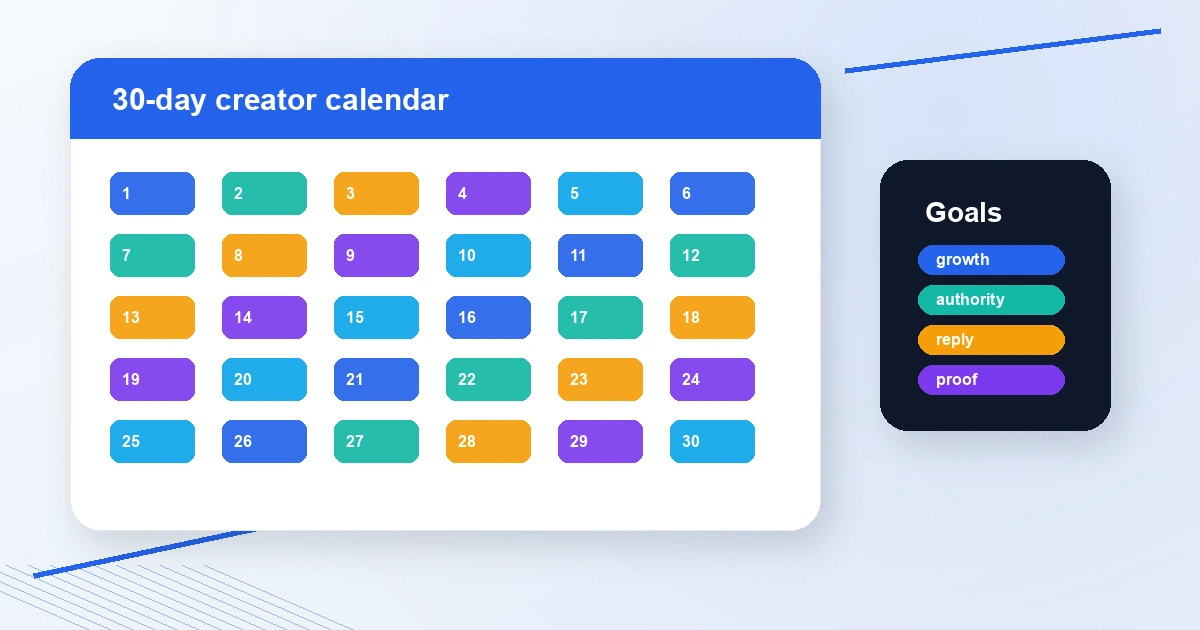
Use the free Posting Calendar Generator to create a 7, 14, or 30-day plan across X, LinkedIn, Threads, Bluesky, and Mastodon. It supports growth, sales, community, and authority goals, then exports the plan as CSV.
Quick answer: what should a 30-day X calendar include?
A balanced X calendar should rotate:
- Growth posts that reach new people
- Authority posts that prove expertise
- Community posts that invite replies
- Sales posts that point to an offer
- Repost or curation posts with proper credit
- Repurposed posts for LinkedIn or other networks
Do not post the same type of content every day. Your audience needs a rhythm.
The weekly rhythm
Use this weekly structure:
| Day | Theme | Goal |
|---|---|---|
| Monday | Point of view | Authority |
| Tuesday | Tactical how-to | Saves and shares |
| Wednesday | Conversation starter | Replies |
| Thursday | Case study or proof | Trust |
| Friday | Tool, resource, or offer | Clicks |
| Saturday | Story or lesson | Connection |
| Sunday | Recap or planning post | Consistency |
Repeat it for four weeks, but change the angle each time.
If you need a broader strategy before filling dates, use A Practical Social Media Content Planning Template.
30 post ideas you can use
Week 1: clarity
- Your strongest belief about your niche
- A common mistake beginners make
- A question your audience loves debating
- A short story about how you learned the hard way
- A useful free tool or resource
- A reply to a smart creator with your own angle
- A weekly recap of what you learned
Week 2: proof
- A before/after result
- A tiny case study
- A teardown of a good post or landing page
- A screenshot with context
- A thread teaching one process
- A mistake you no longer repeat
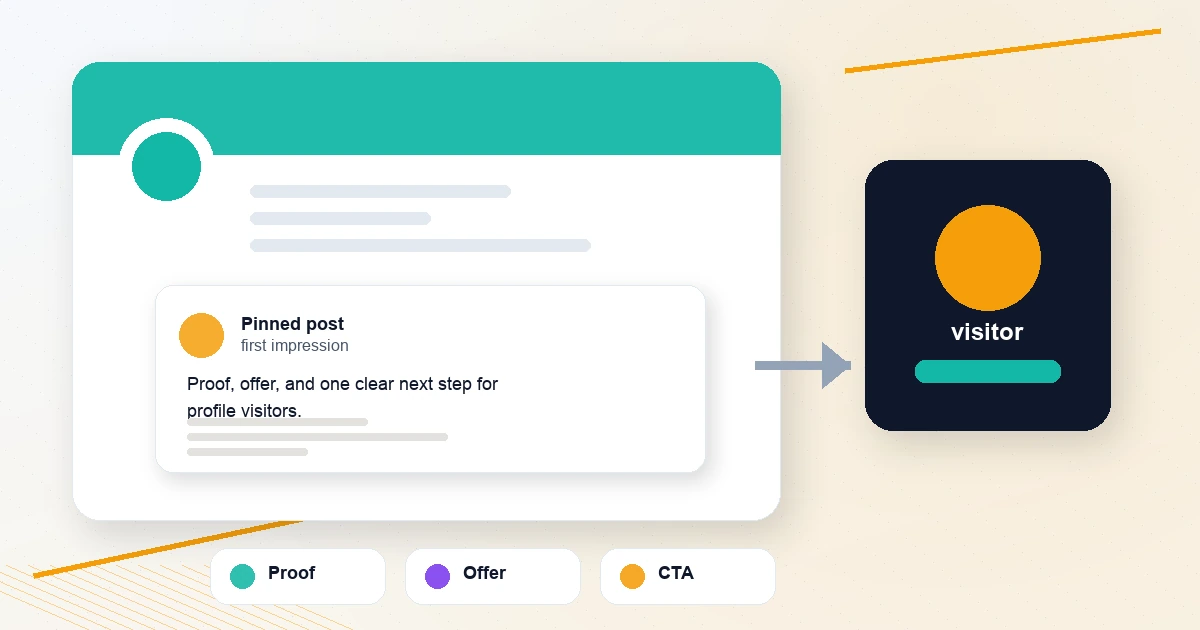
- A pinned post update
Week 3: community
- Ask what people are working on
- Share a contrarian opinion
- Curate three good posts with credit
- Reply to five people and summarize the pattern
- Share a useful checklist
- Turn one reply into a standalone post
- Thank or credit someone who helped your thinking
Week 4: conversion
- Explain who you help
- Share your best free resource
- Show how your workflow works
- Answer an objection
- Share a simple demo
- Tell people what to do next
- Recap the best posts of the month
Bonus days
- Update your bio or pinned post
- Review analytics and choose next month's themes
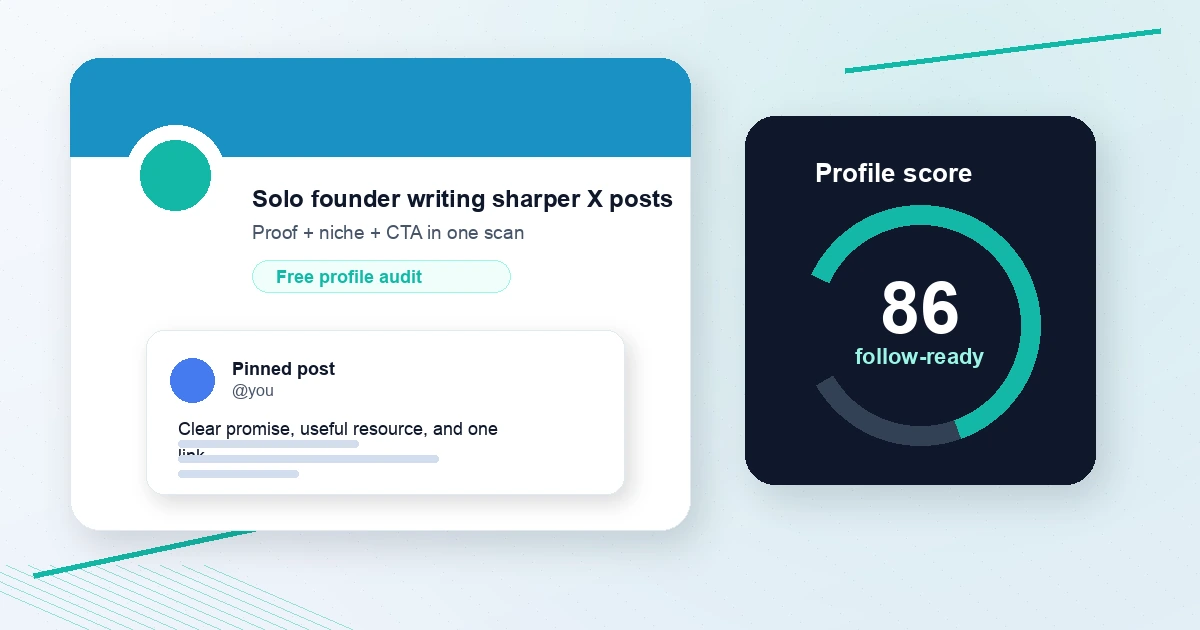
Use the X Profile Audit Checklist before days 22-30 so your profile can convert the visits your calendar creates.
Tools for each calendar slot
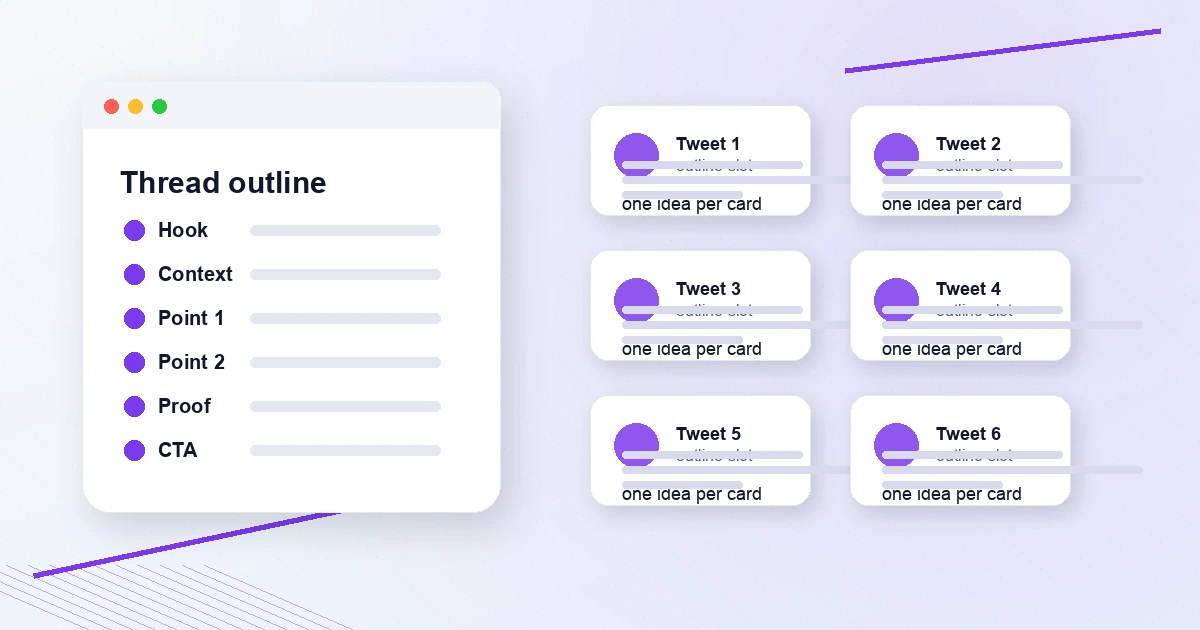
- Threads: Thread Outline Builder and Twitter Thread Splitter
- Hooks: Tweet Hook Analyzer
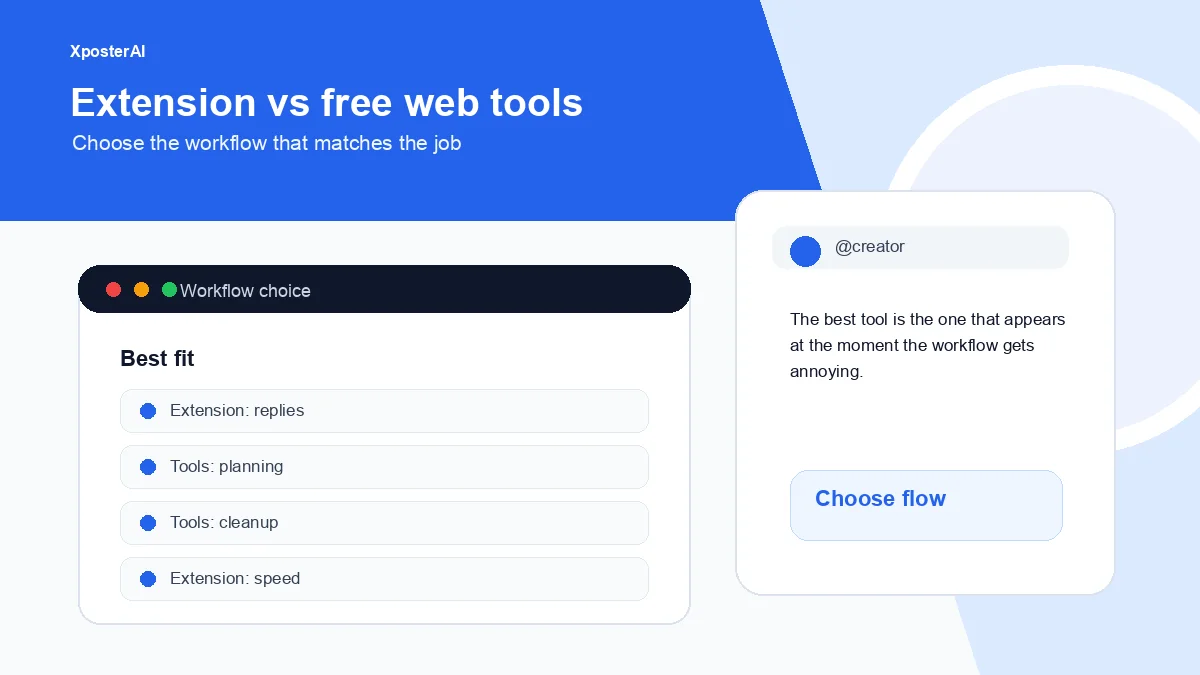
- Replies: Twitter Reply Generator and XposterAI Chrome extension
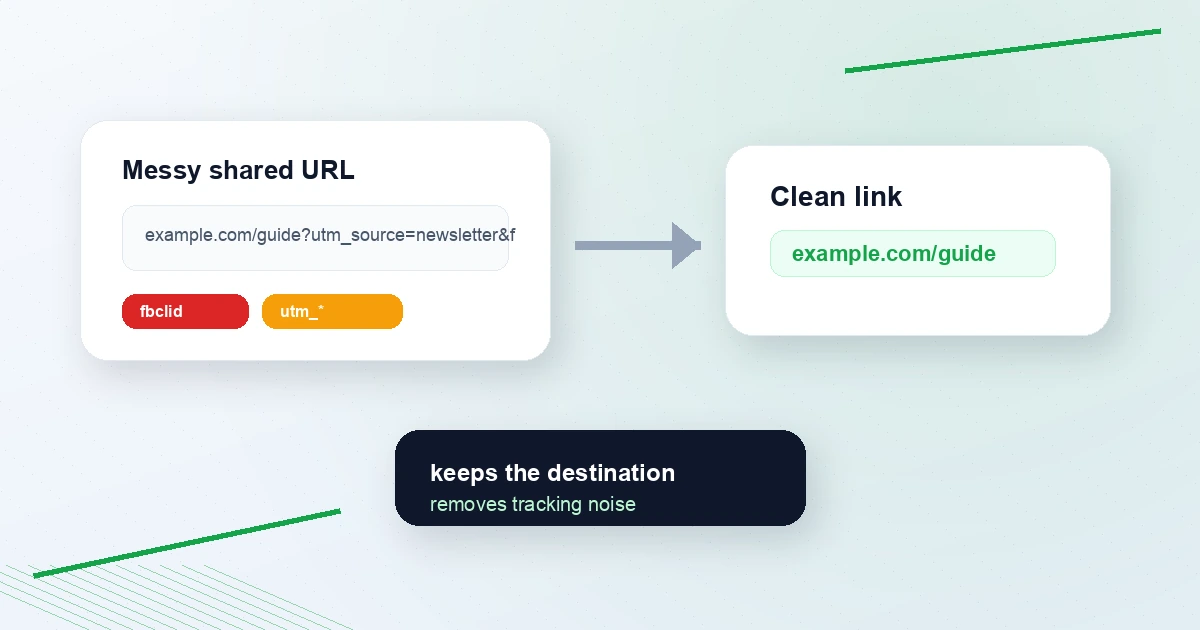
- Links: UTM Campaign URL Builder and Tweet Link Cleaner
- Cross-posting: Tweet to LinkedIn Converter and Social Post Line Break Formatter
- Timing: Best Time to Post on X
FAQ
Should I post on X every day?
Daily posting helps if the quality stays useful. If daily posting turns into filler, use 3-5 strong posts per week plus consistent replies.
How far ahead should I plan X content?
Plan themes 30 days ahead and write posts 3-7 days ahead. X rewards timely conversation, so leave room for live replies and current events.
Should I reuse posts on LinkedIn or Threads?
Yes, but reformat them. X posts are tighter. LinkedIn usually needs more whitespace and context. Use the Tweet to LinkedIn Converter and Social Post Line Break Formatter.
Generate the calendar
Open the Posting Calendar Generator, choose your goals, select platforms, pick 7, 14, or 30 days, and export the CSV.
When you are ready for the plan to actually publish, Scheduler Studio's composer puts the same week on a calendar rail next to the compose box, and Autopilot fills any slot you leave empty with a draft for you to approve — it never posts anything by itself.
A good calendar is not a cage. It is a default plan, so you can spend less time guessing and more time writing.