Not every creator needs a social media command center.
Sometimes the better workflow is a handful of small tools that each remove one annoying step: check the hook, count the characters, preview the post, clean the link, audit the reply. No dashboard. No seat plan. No "welcome to your trial."
That's the no-signup tool stack — five browser tabs, no accounts, and a workflow you can finish in the time it takes a Buffer trial to ask for your phone number.
The stack
Start with these:
- Tweet Hook Analyzer for first lines.
- Twitter Character Counter for post length.
- Tweet Preview Generator for final shape.
- Tweet Link Cleaner for ugly URLs.
- Reply Audit for replies that matter.
The full set lives in the free tools hub.
A simple workflow
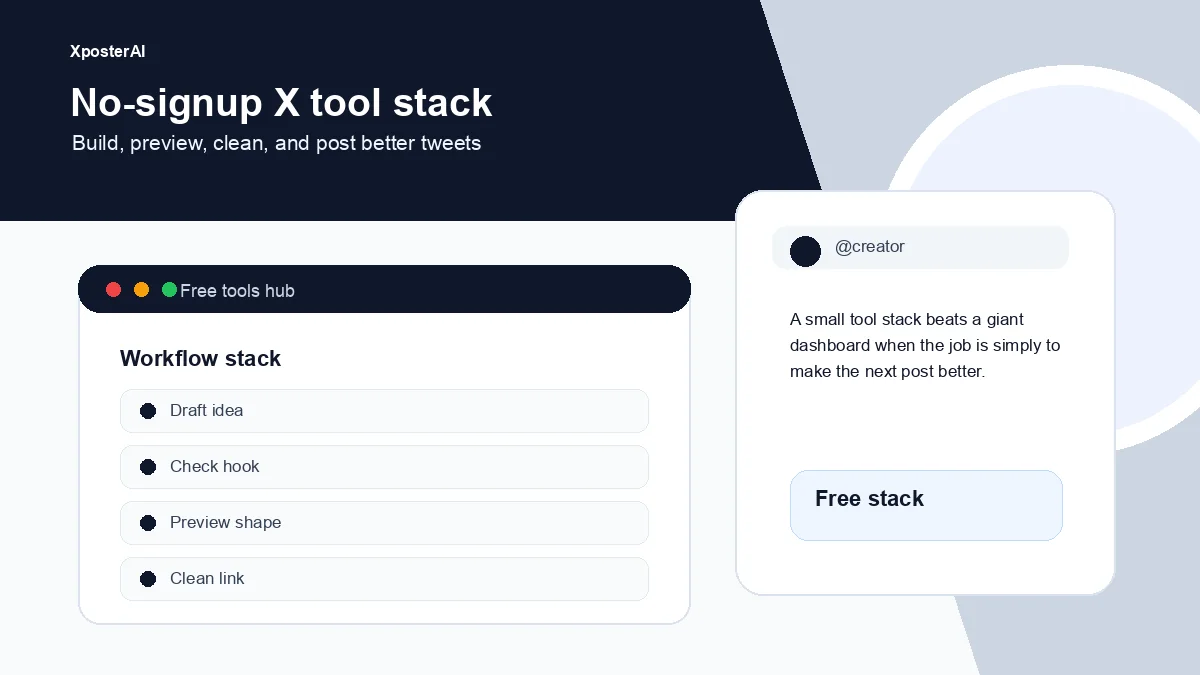
Draft the idea in plain text.
Run the first line through the hook analyzer.
Check the length.
Clean the link if there is one.
Preview the post.
If it is a reply, audit it before posting.
That is enough for most solo creator posts. No calendar suite required, no integrations to wire up.
The whole loop, for me, runs about 90 seconds for a single post. For a thread it's closer to four or five minutes — most of which is on the preview step, because that's the moment you catch the line break that turns a clean third tweet into a cramped one.
When a bigger platform makes sense
Use a scheduling platform when you have approvals, multiple accounts, a team, asset libraries, recurring campaigns, or client reporting.
Use small tools when the job is making the next post better.
Those are different problems, and conflating them is why so many solo creators end up paying $39/month for a tool they open twice a week.
Full disclosure: we build for the scheduling problem too. When it becomes real for you, Scheduler Studio is XposterAI's calendar-first scheduler for X. It does require an account — the one exception to this post's rule — but it's a magic-link signup, no card, with free daily AI credits to poke around before deciding anything.
When to use the hub or the extension
The free tools hub is for focused jobs done in a browser tab. The XposterAI Chrome extension is for in-context work inside X itself — especially replies, reply variants, tone control, and the source-link repost workflow. Read XposterAI Chrome extension vs free web tools for the full split.
FAQ
Do I need an account to use the tools?
Most of the stack runs entirely in the browser with no signup — character counter, link cleaner, preview, hook check. The AI-backed ones (reply audit, hook analyzer) have free daily limits and abuse protection so they stay free for everyone, but you still don't need a card on file to use them.
When should I use the extension?
Use the extension when the work happens inside X — mostly replies. The web tools are better when you're drafting from scratch in a notes app or a Google Doc and you want to pressure-test the post before it goes anywhere near the compose box.
What should I try first?
Whichever tool matches your current friction. If your replies feel flat, start with Reply Audit. If your threads keep getting cut off mid-line, start with the Preview Generator. Picking by pain works better than picking by recommendation.