The final minute before posting is where avoidable mistakes survive.
The idea is fine. The draft is fine. Then the post goes live with a buried hook, a messy link, a weird line break, or a CTA that feels too early. A preview checklist catches that friction before the timeline does.
If you only read this
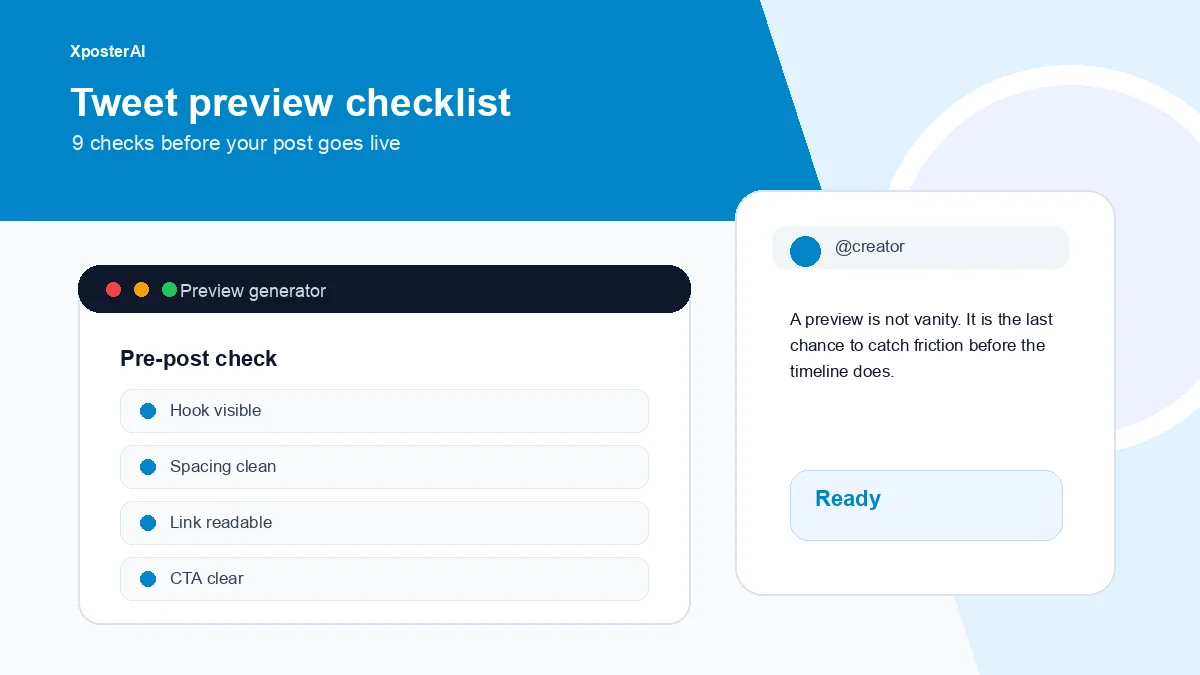
Run the nine checks below before any post you actually care about — links, media, launches, threads, anything you plan to measure. The Tweet Preview Generator gets the draft out of your writing brain and into a timeline-like shape, which is where most of the embarrassing problems become obvious.
The 9 checks
- The first line makes sense without extra context.
- The payoff appears before the reader has to work.
- Paragraphs scan on mobile.
- The link does not dominate the post.
- The CTA comes after value.
- Hashtags are minimal and useful.
- Emojis help tone or structure.
- Media supports the text instead of burying it.
- The post has one clear job.
The timeline sees shape before it reads substance. Most posts that flop technically read fine — they just look wrong on the first half-second of scroll.
The one-job test
Every post should do one main thing.
Teach one idea. Start one conversation. Send one click. Make one announcement. Invite one reply.
When a post tries to teach, sell, announce, collect feedback, and drive newsletter signups all at once, the reader feels the confusion even if the copy is technically clear. I have lost count of how many of my own drafts have been saved by deleting the second CTA.
A useful before and after
Before: Excited to share this new tool. It helps with links, formatting, previewing, and a few other creator workflow things. Try it here...
After: I shipped a free tool for one annoying X workflow: cleaning messy links before you post them.
Paste link. Strip tracking clutter. Copy the clean URL.
Try it here...
The second post has one job. That is why it scans. The first one is doing four jobs and committing to none of them.
Make previewing a habit
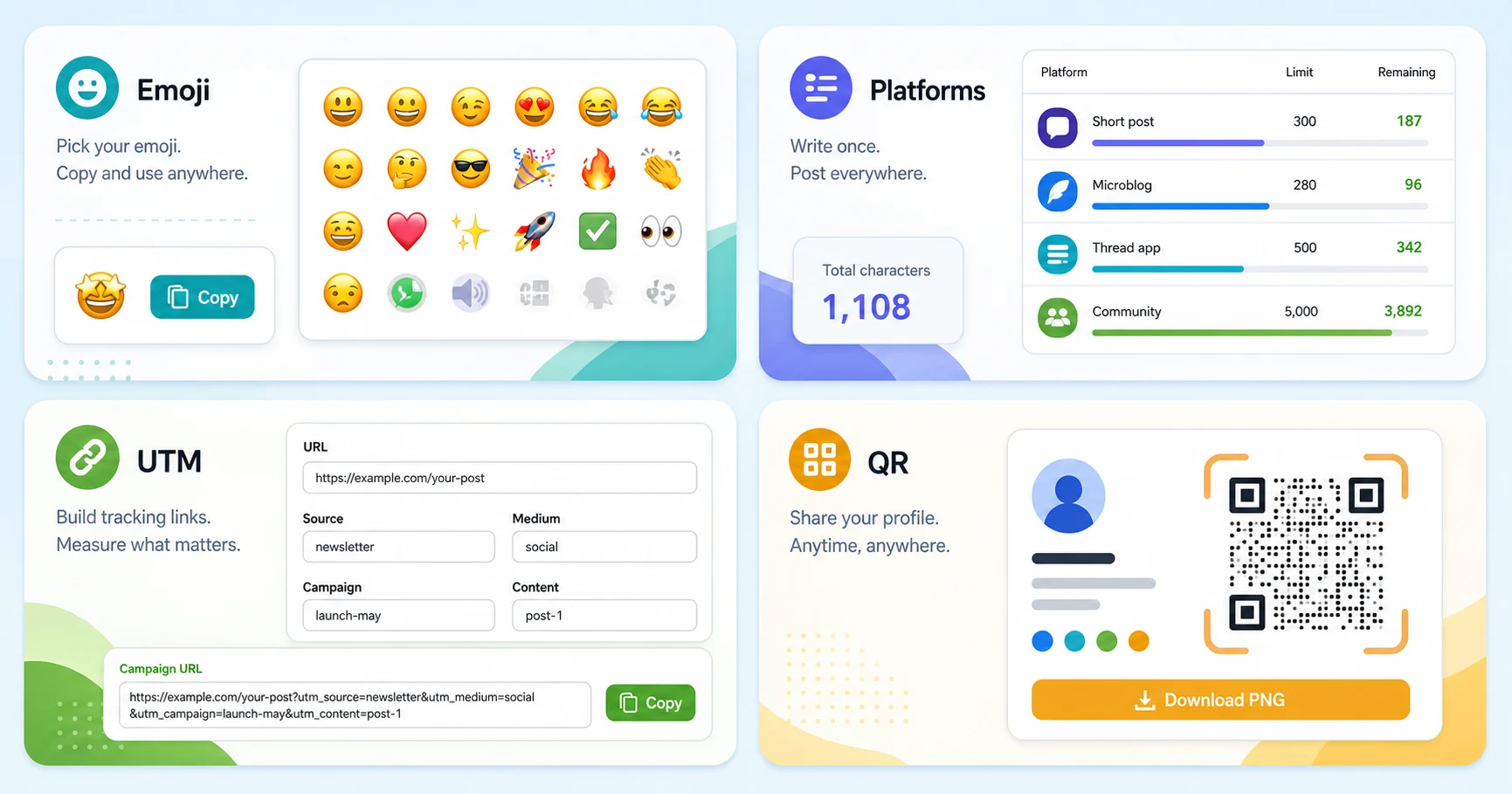
Preview with the Tweet Preview Generator, check length with the Twitter Character Counter, clean URLs with the Tweet Link Cleaner, and test the first line with the Tweet Hook Analyzer.
FAQ
Should I preview every tweet?
No. A throwaway reply or a one-liner does not need the full checklist. Preview the posts that have a job — anything with a link, media, a launch, a measurable goal, or the first tweet of a thread. Roughly one in five of my own posts gets the full pass; the rest go up cold.
What is the most common preview mistake?
The hook is buried after context. Move the point closer to the top.
Should I preview on mobile?
Yes. Most posts need to survive a small-screen scan.