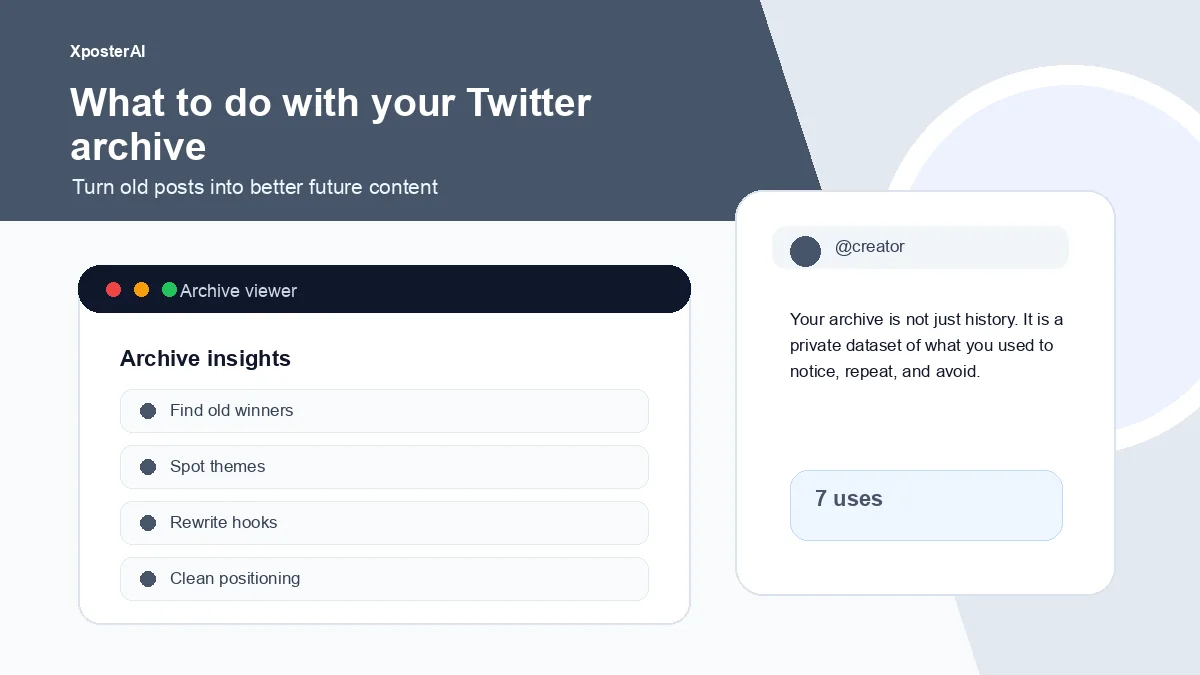
Your Twitter archive is not a backup file. It is a private record of what you used to notice, repeat, avoid, overthink, and care about.
I requested mine after a slow week of feeling like I had nothing to say. The download landed as a 380 MB zip full of JS files and a tweets.js blob that was honestly intimidating to open. Then I started scrolling. Inside were maybe two dozen posts I had completely forgotten writing — and three of them were better than anything I had drafted that month.
If you have been posting for years, your blank notes app is probably the worst place to look for ideas. Your archive is the best one.
Quick take
Use it for seven passes: old winners, recurring themes, dead topics, proof points, voice patterns, reply behavior, and rewrite candidates. The Twitter Archive Viewer opens the zip in your browser without uploading the file anywhere, which matters because the export includes DMs and email-linked metadata you probably do not want sitting on someone else's server.
Seven useful passes
1. Find old winners. Not just high-like posts — those are usually the loudest, not the truest. Look for posts that still feel right when you reread them cold.
2. Find repeated themes. If you kept returning to the same idea across years without planning to, that is positioning showing itself.
3. Find dead topics. Some categories of post are over. Niche shifts, jobs change, opinions soften. Notice what no longer belongs.
4. Find proof. Old launch notes, lessons, and small mistakes make better examples than any generic advice you might rewrite from a Notion template.
5. Find phrases that sound like you. Your archive is voice data. The two or three turns of phrase you keep reaching for — that is your accent.
6. Find reply patterns. Replies show what conversations actually pulled you in, which is a more honest signal than what you say you care about in your bio.
7. Find rewrite candidates. A weak old hook will often be sitting on top of a strong idea you did not know how to frame yet.
A 30-minute archive exercise
Search for "learned," "mistake," "launched," "should have," and "wish I knew."
Pull 20 posts.
Mark the five that still feel useful.
Rewrite one as a single post, one as a thread, and one as a blog intro.
That is the shape that turns the archive into source material instead of nostalgia.
Privacy matters
The Twitter export contains more than your tweets. Depending on when you generated it, it includes your DM history, email addresses you shared, IPs you logged in from, and ad interest data. Be very careful where you upload it. A local browser-based viewer is the safer default because the file never leaves the device.
Turn old posts into new inputs
Use the Twitter Archive Viewer to browse locally. Rewrite old hooks with the Tweet Hook Analyzer, build new sequences with the Thread Outline Builder, and clean profile positioning with the X Profile Audit Checklist. For the tool walkthrough, read Open your Twitter archive in the browser.
FAQ
Is it safe to upload my Twitter archive?
Generally, no. The export includes DMs, login IPs, and email metadata — much more than the public tweets you might assume you are sharing. If a tool processes the archive on a server, you are handing them all of that. The XposterAI viewer parses it in the browser specifically so the file never leaves your laptop.
What should I search first?
Start with learned, mistake, launched, should have, wish I knew. Those five turn up the posts most worth reusing, in my experience.
Should I delete old posts?
Only if they are harmful, misleading, off-brand, or no longer represent you. Mass deletion is a vibe move that usually destroys context you would have wanted later. The archive helps you decide one by one.