Most "best free X tools" lists are SaaS affiliate pages wearing a wig.
You click through expecting free and land on a 14-day trial that wants a card. Or a "free plan" capped at three posts a week with the unsubscribe button buried.
This list is the opposite. Everything below is actually free to use, in a browser, without a credit card. Most are XposterAI's own tools — I'm not going to pretend otherwise — and the rest are reputable third-party freebies I'd recommend either way. Every tool gets a one-line gotcha, because nothing is truly unlimited and pretending it is wastes your time.
Short version: a hook analyzer, a character counter, a preview generator, and a link cleaner is enough to ship better posts every day. The rest is for when you outgrow that.
The 4-tool minimum stack
Before the full 17, the short answer for someone who doesn't want to think about it:
- Tweet Hook Analyzer — pressure-test your first line.
- Twitter Character Counter — count the way X actually counts.
- Tweet Preview Generator — see the post before you ship it.
- Tweet Link Cleaner — strip the tracking junk off the URL.
That's the floor. Everything else compounds on top of those four.
Now the full list, organized by job-to-be-done.
Drafting and hooks (4 tools)
1. Tweet Hook Analyzer
Scores the first line of your post on curiosity, specificity, and pattern interrupt, then suggests rewrites. For anyone whose posts get impressions but no clicks past the first line. Gotcha: AI-backed, so there's a daily free cap. For most solo creators that cap isn't the limiting factor.
2. Twitter Tone Rewriter
Rewrites a draft in a different tone — punchier, drier, warmer, more contrarian — without changing the underlying point. For creators who write in their head voice but post in a flatter "professional" voice that doesn't perform. Gotcha: tone is suggestive, not prescriptive. You still taste-test the output.
3. Thread Outline Builder
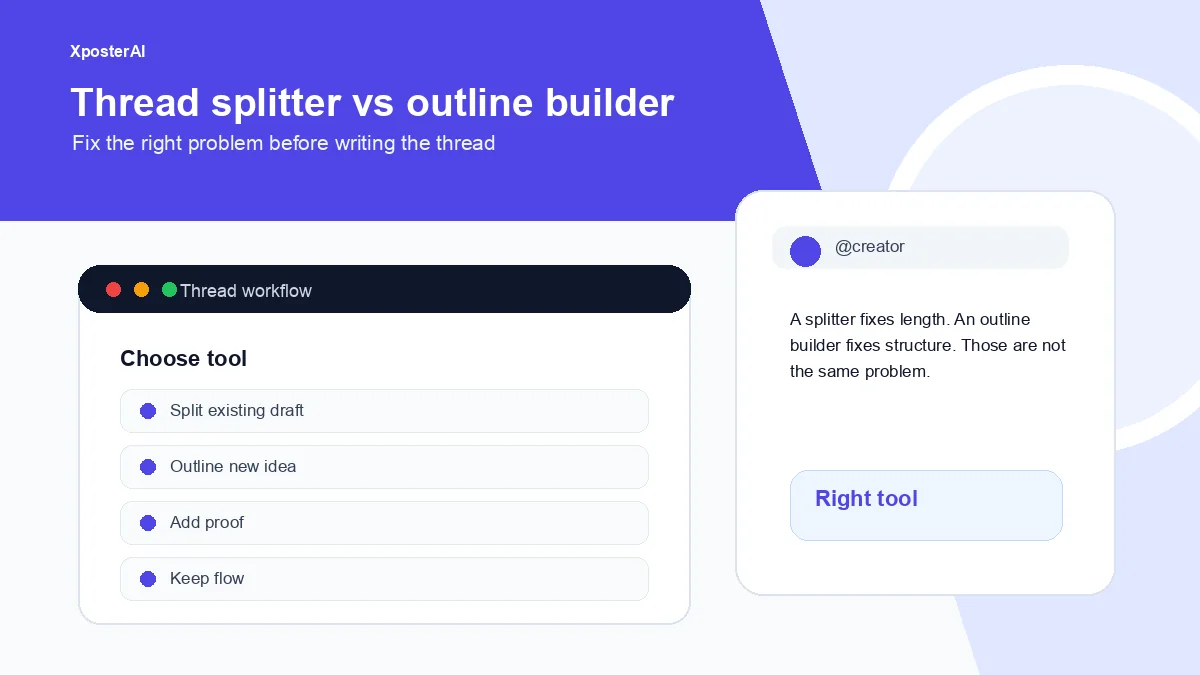
Takes a rough idea and turns it into a numbered thread skeleton — hook, beats, payoff — that you fill in. For people with the idea but not the structure. Gotcha: outlines aren't drafts. You still have to write the actual tweets.
4. Thread Cliffhanger Generator
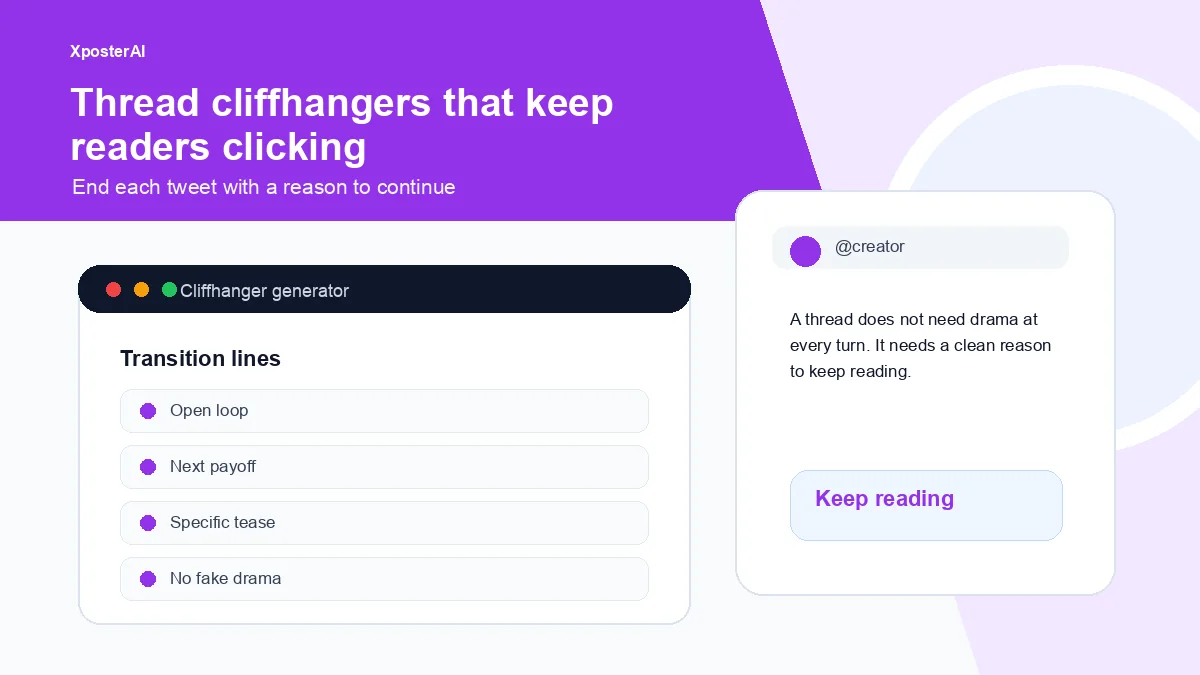
Suggests cliffhanger lines for the end of each tweet in a thread, so readers keep tapping "Show more." For anyone whose threads bleed readers between tweet 2 and tweet 3. Gotcha: overused cliffhangers feel manipulative. One or two per thread, not one per tweet.
Format and polish (4 tools)
5. Twitter Character Counter
Counts characters the way X actually does — URLs are 23, emojis are 2, grapheme clusters by extended pictographic rules. For anyone editing a tight post who's tired of getting cut off after pasting a URL. Gotcha: optimized for the 280-character free tier, not the Premium 25K limit.
6. Tweet Preview Generator
Mocks up exactly how your tweet will render — light, dim, or dark theme, verified toggle, realistic timestamps. Downloadable as PNG. For previewing a post for a client, designing thread screenshots, or "I just shipped" announcement images. Gotcha: it's a render, not a publish. You still paste into the compose box.
7. Twitter Bold Text Generator
Converts plain text into Unicode bold, italic, monospace, and sans-serif bold — five styles, click to copy. For people who want a hook line to visually pop without screenshots. Gotcha: Unicode bold isn't accessible — screen readers skip or mangle it. Use sparingly.
8. Social Post Line Break Formatter
Cleans up line breaks so paragraph spacing survives the paste into X, LinkedIn, or Instagram. For anyone whose multi-paragraph posts collapse into a wall of text on at least one platform. Gotcha: X's compose box normalizes some whitespace anyway. This minimizes the damage, doesn't eliminate it.
Replies (3 tools)
9. Twitter Reply Generator
Paste the original tweet, pick a tone, get a draft reply. For creators building reach through replies who don't want every response to sound the same. Gotcha: generated drafts are starting points. Replies that win are the ones you edit before posting.
10. Twitter Reply Audit
Audits a reply you've drafted — flags hedging, generic openers, agreement-without-substance, and the classic "Great post!" pattern. For anyone whose replies feel safe and forgettable. Gotcha: auditing is opinionated. If you disagree with a flag, ignore it.
11. XposterAI Chrome extension
Generates reply variants directly inside X, in context, without copy-paste. Free tier ships with reply credits, no card required. For people who reply to dozens of posts a day and don't want to tab-juggle. Gotcha: Chrome only — Firefox and Safari users are out of luck for now.
Links and analytics (3 tools)
12. Tweet Link Cleaner
Strips UTM parameters, ?si=, ?ref=, and other tracking junk off a URL so the post body looks clean. For anyone who posts links and cares that the visible URL doesn't look like a mailing-list spam trail. Gotcha: it strips tracking. If you needed that tracking, use the UTM builder instead.
13. UTM Campaign URL Builder
Builds a properly-formatted UTM-tagged URL so clicks from your post show up correctly in GA, Plausible, or whatever you use. For creators who actually look at where their clicks came from. Gotcha: UTM tags make the URL ugly in the post. Accept that or shorten it.
14. Twitter Engagement Rate Calculator
Calculates engagement rate from impressions, likes, replies, and reposts. Per-post and rolling-window numbers. For anyone tired of squinting at the X analytics tab trying to feel something. Gotcha: engagement rate is a vanity number unless you're comparing like-for-like posts. Use it for trend, not absolute judgment.
Profile and audience (4 tools)
15. Twitter Bio Generator
Drafts bio variants from a few inputs — what you do, who you serve, one piece of proof. Several styles to pick from. For anyone whose bio still says "thoughts are my own." Gotcha: generated bios are starting points. The good ones come from editing.
16. Twitter Profile QR Code
Generates a QR code pointing to your X profile, in a few styles and sizes, downloadable as PNG or SVG. For people speaking at meetups, conferences, or anywhere a slide needs a follow CTA. Gotcha: QR codes on slides only work if you tell the audience to scan them.
17. Pinned Tweet Planner
Walks you through choosing what to pin — best-performing post, value-up-front explainer, lead magnet, or current launch. For profiles where the pinned tweet is six months old and no longer reflects what you do. Gotcha: it's a planner, not a tweet generator. You still need the post itself.
Bonus while you're in profile mode — the X Profile Audit Checklist is a 20-point self-review that catches the small things (broken pinned-tweet link, off-brand banner, follow-friction bio). Five minutes, no signup. Browse the full set at the free tools hub.
3 free things that aren't tools but are worth knowing
X's native scheduling
X has built-in post scheduling in the compose box — click the calendar icon. Free for everyone, doesn't require Premium at the time of writing, criminally underused. If your only reason to pay for a scheduler is "queue posts for tomorrow morning," the native feature does that fine. No analytics on scheduled-vs-live, no team approvals, bare queue UI. Good enough for a solo creator.
When you outgrow that — a calendar view, an evergreen library that rewrites a proven post instead of duplicating it, drafts queued into your empty slots for approval — that's what we built Scheduler Studio for. Same rules as this list at the try-it level: the account is a magic link, no card, with 30 one-time AI credits. Gotcha: sustained scheduling past the free credits is paid, so it belongs in this section, not the list above.
X Lists
Build a private list of the 30–50 accounts you actually want to reply to, and check that list instead of the algorithmic timeline. Free, has been there forever, changes the reply game more than any AI tool does. The tools above help you write better replies; Lists help you find better posts to reply to.
Your Twitter archive download
Settings → Your account → Download an archive of your data. Free, takes a few hours to generate, gives you a JSON of every post you've ever made. Useful for repurposing old hits or training a tone model on your own writing.
What's not on this list and why
A few popular tools left off on purpose:
- Hypefury, Typefully, Tweet Hunter — all have free tiers at the time of writing, but the useful features (scheduling beyond a tiny cap, analytics, auto-DM, evergreen recycling) are paywalled. Good products, just not free in the sense this list cares about. If you want to avoid the subscription, see our free Hypefury alternative stack.
- Buffer — has a free tier at the time of writing covering basic scheduling for a handful of channels. Worth knowing about for multi-platform queuing. Lighter on X-specific features.
- Threads cross-posters — Meta has its own native toggle in some regions. Third-party options mostly need OAuth and paid tiers above low post counts, so I won't recommend a specific one here.
Rule for inclusion: actually free, no card required, useful to a solo creator who posts a few times a day.
The 90-second workflow that ties 5 of these together
Here's how the daily loop runs for me:
- Draft the post in a plain notes app.
- Run the first line through the Tweet Hook Analyzer.
- Paste into the Twitter Character Counter to check length.
- If there's a link, run it through the Tweet Link Cleaner.
- Drop the final version into the Tweet Preview Generator to see the shape.
About 90 seconds for a single post. For a thread, closer to four or five minutes — most of which is the preview step, because that's the moment you catch the awkward line break that turns tweet 3 into a cramped mess.
If you want this same workflow written up as a standalone piece, the no-signup X tool stack post covers it in more detail. The 4 free Twitter tools for creators post is the original launch piece with deeper notes on the format tools.
FAQ
Do any of these have hidden paywalls?
The non-AI tools (character counter, preview, link cleaner, bold text, QR code, UTM builder, line break formatter, engagement rate calculator) are fully free and unlimited — they run in your browser. The AI-backed tools (hook analyzer, tone rewriter, thread outline, cliffhanger, reply generator, reply audit, bio generator) have a daily free cap to keep abuse impossible. No card required.
Why are most of these XposterAI tools?
Because we built a tool for almost every job a solo X creator has, kept them free, and didn't want to pad this list with third-party tools that don't quite work just for the appearance of neutrality. The bonus section names the real third-party freebies worth knowing about.
Do I need to sign up for any of them?
No. AI-backed tools cap free usage by IP rather than account. The Chrome extension installs from the Chrome Web Store — no account required to use the free reply credits.
Which one should I start with?
Whichever matches your current friction. Replies feel flat? Start with Reply Audit. Threads getting cut off mid-line? Start with the Preview Generator. Posts getting impressions but no engagement? Start with the Hook Analyzer. Picking by pain beats picking by recommendation.