XposterAI now has two kinds of surfaces.
The Chrome extension lives where the conversation happens: inside X. The free web tools live where focused jobs happen: planning, previewing, cleaning, counting, auditing, and converting.
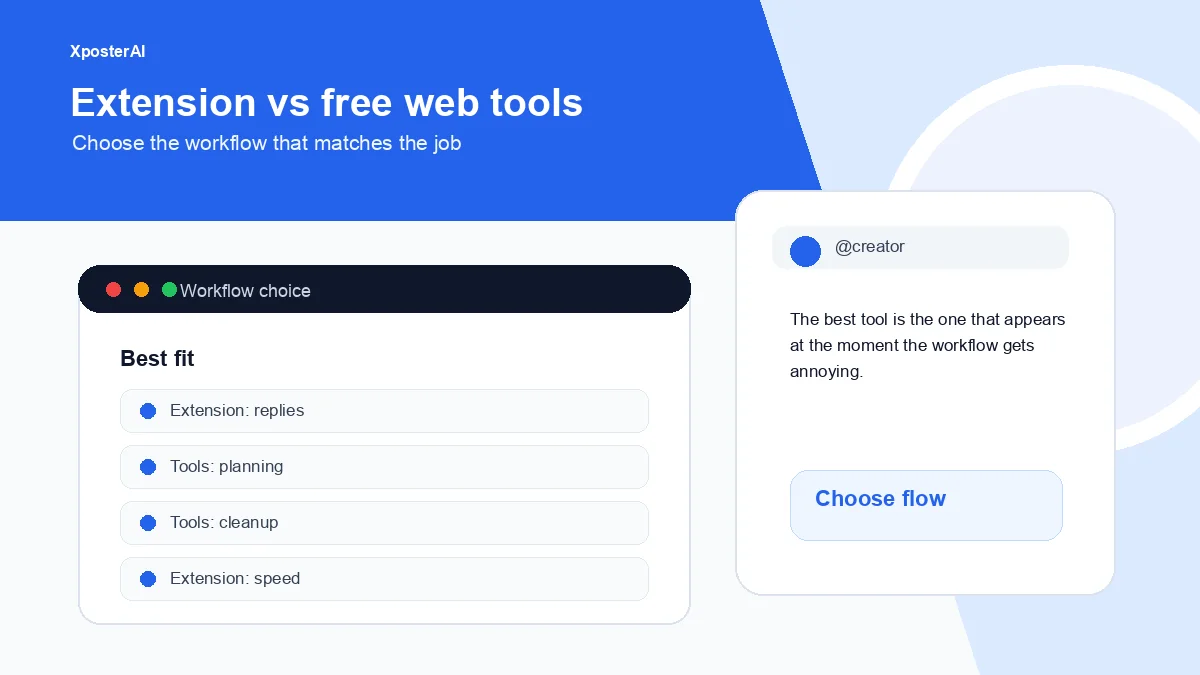
They are not duplicates. They solve different moments of friction. The shortest way to pick: use the XposterAI Chrome extension when you are actively replying or writing inside X, and use the free web tools when you are planning, previewing, cleaning links, auditing a profile, building a calendar, or converting a post for another platform.
Choose by where the work happens
If the work happens inside X, use the extension.
If the work happens before or after posting, use a web tool.
If you do it every day, the extension saves context switching.
If you do it once in a while, the free tool is probably enough.
| Job | Best fit |
|---|---|
| Replying under a live tweet | Chrome extension |
| Generating reply variants | Chrome extension |
| Cleaning a URL | Free web tool |
| Previewing a post | Free web tool |
| Planning a content calendar | Free web tool |
| Auditing profile clarity | Free web tool |
| Reposting with source credit | Extension or web tool |
Example workflows
Use the extension when you are reading a thread and want three reply variants without leaving X.
Use the web tools when you are preparing tomorrow's posts: check the hook, clean the link, preview the post, and build a thread outline.
Use both when you are serious about distribution: web tools for planning, extension for daily in-feed execution.
My own pattern, for what it's worth: morning batch in the web tools (calendar, link cleanup, hook pass on three drafts), then everything else for the rest of the day happens in the extension because I am already inside X scrolling. The split is roughly 30 minutes of planning surface, then everything else in-feed.
What not to overcomplicate
Do not install an extension for a one-off character count. That's what the Twitter Character Counter tab is for.
Do not open five web tools every time you write a simple reply.
Do not use tools as a substitute for taste. They remove friction. You still choose the final post.
Useful next steps
- Free tools hub
- How to use the XposterAI Chrome extension
- Tweet Source Link Extractor
- Free Twitter tools for creators
FAQ
Do I need the extension to use XposterAI tools?
No. The web tools at /tools are fully standalone — no install, no signup for most of them. The extension exists because copying a tweet into another tab to draft a reply, then pasting it back, is the kind of friction that quietly kills the habit. If you reply inside X more than a few times a week, the extension pays for itself in tabs you didn't have to open.
When should I install the extension?
Install it if replies, variants, and source-link workflows are part of your regular X routine.
Are the free tools enough?
Yes for occasional planning, previewing, cleanup, and audits. Daily in-X work benefits more from the extension.