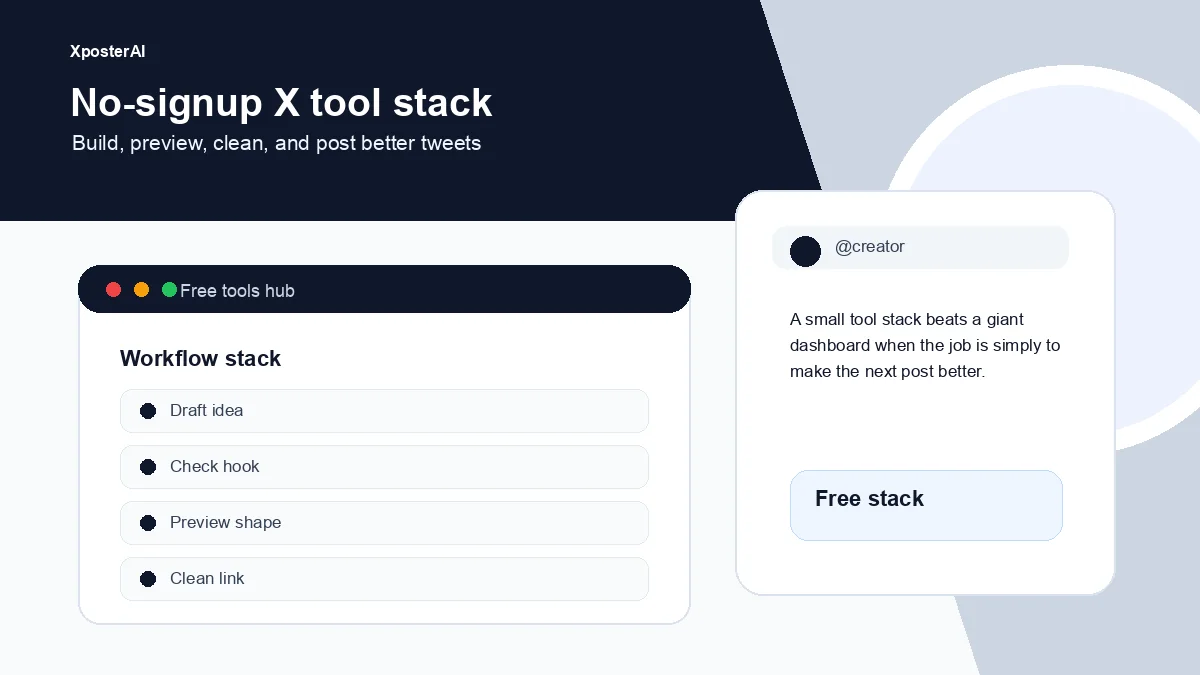
Most "free AI for Twitter" tools want your email, then your card. We took three of the small things our paid extension does and put them on the public site as standalone pages. No signup, no card. Three uses per tool per day, hard input cap of 280 characters, and a CAPTCHA to keep the abuse bots out. That's it.
If you only need them occasionally, that's enough. If you need them more, the Chrome extension exists.
Here are the three.
1. Twitter Tone Rewriter
Paste a tweet you've already drafted. Pick a tone — witty, professional, casual, sharp, or friendly. Get three rewritten variants, each under 280 characters, ready to copy.
The use case isn't "make my tweet better" in the abstract — it's "the version I wrote is fine but it leans too earnest / too snarky / too dry, and I can't talk myself out of the angle I'm in." A second pair of eyes works, but a second pair of eyes isn't available at 11 PM. This is.
We cap input at 280 chars because that's the actual constraint of the platform, and capping it means we can run the cheap model (gpt-4o-mini) without worrying about runaway costs. Output is also capped at 200 tokens — about one tweet's worth.
2. Twitter Reply Generator
Paste any tweet (yours or someone else's), pick a tone, get an on-tone reply suggestion. One reply, not three — because we want the free version to give you something usable, not give you the same exhausting "pick your favorite" choice the chatbots do.
This is the same engine that powers the XposterAI Chrome extension, just with a tighter input limit and a 3-per-day cap. The extension adds your saved personas, longer context windows, batch generation, and a "regenerate" button — but if you just need a single reply right now to a single tweet, the web tool is enough.
Use case: you want to engage with a big account but you've been staring at the reply box for two minutes and nothing's landing. Paste the tweet, get a reply, edit it to sound like you, post it.
3. Twitter Hashtag Generator
Paste a tweet, get 5–10 relevant hashtags. Space-separated, prefixed with #, on a single line. Nothing fancy.
We run this one because there's no good free tool that does just this. Most hashtag tools want you to sign up, then they show you "trending" hashtags that have nothing to do with your post. This one reads your actual tweet and suggests hashtags that fit it.
Pair this with our Hashtag Density Analyzer — that one tells you if you're using too many hashtags relative to your tweet's length. Together they cover the two questions actually worth asking about hashtags: "which ones?" and "how many?"
Apply your own voice (paid Persona Studio users)
All three tools now have an "Apply my voice" checkbox right above the submit button. It's hidden for anonymous and free-tier visitors — they see a small "Apply your own voice →" tease that links to the dashboard.
If you're on a paid plan and you've trained Persona Studio on your past tweets (/dashboard/persona), tick the box and the tool prepends your voice line to its prompt before generating. So the Tone Rewriter still rewrites in the tone you picked — but each variant comes out in your cadence and vocab, not generic AI cadence. Same for the Reply Generator.
The server re-verifies the gate: forging the checkbox in devtools without a paid plan + trained persona is a no-op. The voice only injects when both conditions are real.
How the safety blueprint works (and why you should care)
All three of these tools run against the same safety stack. If you're a creator-tool builder, this might be useful:
- 280-char hard input cap — server-enforced, 400 status on overflow
- 3 successful calls per IP per day — counted only on
okstatus, so failed attempts don't burn your quota - Cloudflare Turnstile — verified server-side, no Google reCAPTCHA fingerprinting
- max_tokens=200 on output — caps cost per call
- Cheap model under the hood (
gpt-4o-mini) — the cost-per-1000-uses is in the cents
This is what lets us run free AI tools without going broke, and without putting them behind a signup wall. Every code path — success, rate-limit, turnstile fail, input overflow, model error — writes a log row so we can see costs and abuse signals.
Try them
- Twitter Tone Rewriter → — three on-tone variants
- Twitter Reply Generator → — one solid reply, ready to edit
- Twitter Hashtag Generator → — 5-10 relevant tags
If you find you're hitting the 3/day cap regularly, the XposterAI Chrome extension gives you free AI credits every day, no card required — it's the same underlying engine without the daily limit.
Or browse everything at xposterai.com/tools/.