In 2022, Twitter quietly removed the preview from its official Card Validator, and the tool has been effectively dead ever since. Four years later, "twitter card validator" is still searched constantly — by people holding the same problem: why does my link render as a bare URL instead of a card?
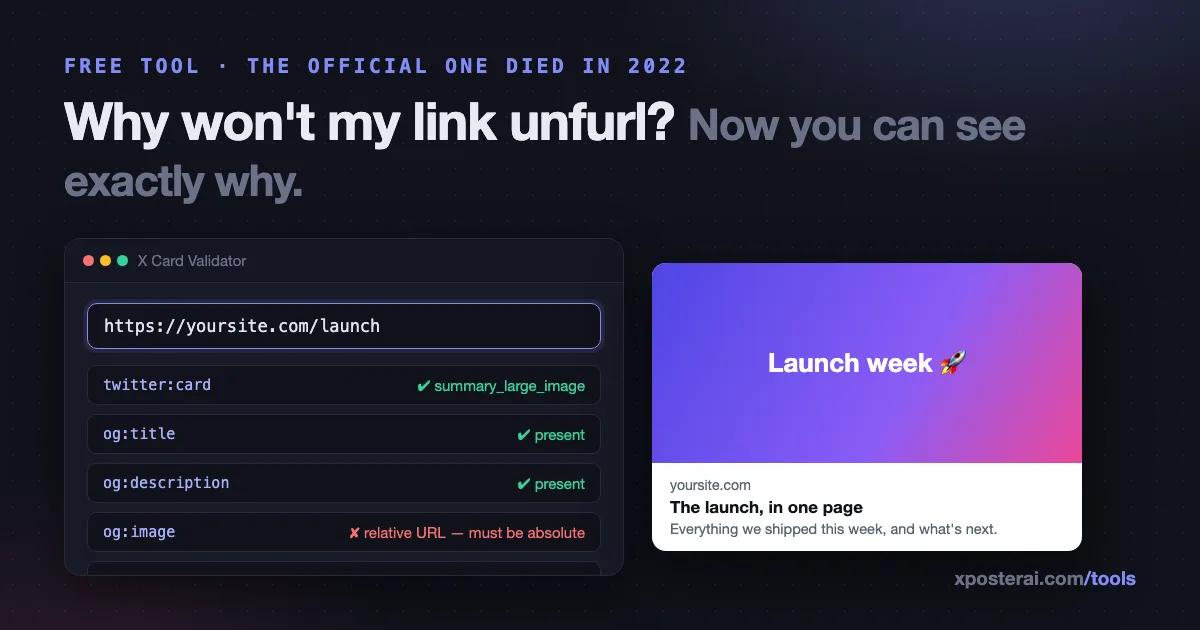
The short version: our free X Card Validator is the replacement. Paste any URL and it fetches the page, shows the twitter:card and Open Graph tags it actually serves, renders what the card will look like on X, and lists exactly which tags are missing or malformed. No login, no API keys.
How X decides what your link looks like
When you post a link, X's crawler fetches the page and reads meta tags in this order of preference:
twitter:*tags (X-specific, win when present)og:*Open Graph tags (the fallback — and usually all you need)
The minimum set for a large image card:
<meta name="twitter:card" content="summary_large_image">
<meta property="og:title" content="Your title">
<meta property="og:description" content="One compelling sentence.">
<meta property="og:image" content="https://yoursite.com/og.png">
| Tag | Card without it |
|---|---|
twitter:card |
X may fall back to a small summary card — or nothing |
og:title |
Page <title> is used, often truncated and keyword-stuffed |
og:description |
Blank line under the title |
og:image |
The dreaded text-only gray card |
og:image at wrong size |
Awkward crop — aim for 1200×630 (1.91:1) |
The failure modes the validator catches
Having written these tags for our own site and dozens of tool pages, here's what actually goes wrong in the wild:
- The tags exist but aren't served. Client-side rendered sites (React, Vue) often inject meta tags with JavaScript. X's crawler reads the initial HTML — if the tags aren't in it, they don't exist. The validator shows you what the crawler sees, not what your browser sees.
- Relative image URLs.
og:imagecontent of/img/og.pngfails — crawlers need the absolutehttps://URL. - The image URL 404s or redirects. The tag is right; the file moved.
- Blocking the crawler. A
robots.txtor firewall rule that blocks unknown user agents blocks X's card fetcher too. - Old card cached. X caches card data per-URL for roughly a week. If you fixed your tags and the old card still shows, append
?v=2to the URL to see the fresh render.
Each of these looks identical from the outside — "my card doesn't work" — and each has a different fix. Seeing the served tags is the diagnosis.
Why cards matter more than they look
A link with a proper summary_large_image card occupies several times the screen area of a bare URL, and it's the difference between your post looking like content versus looking like a dropped link. If you're sending traffic anywhere — your product, your newsletter, your blog — the card is the ad creative.
Two companion habits while you're at it: strip the tracking junk off URLs before posting (the link cleaner does it in one click, and here's why it matters), and if you're measuring clicks, add your own UTM parameters deliberately with the UTM campaign URL builder rather than inheriting whatever your CMS appends. Then run the full pre-post preview checklist before it goes out.
Check a URL now
Paste any link into the X Card Validator — yours, your competitor's, that page that mysteriously won't unfurl. You'll see the served tags, the rendered preview, and the missing pieces in a few seconds. Free like the rest of our tools, and if the link you're validating is headed for a scheduled post, the Scheduler Studio can take it from there.