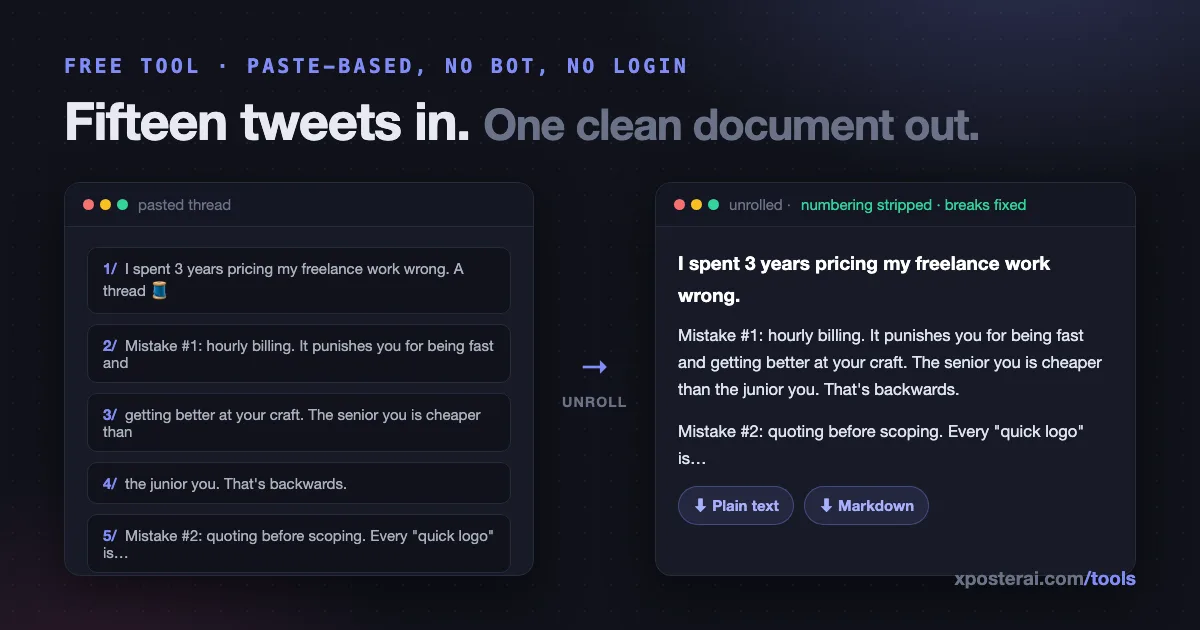
Threads are a great format for reading on X and a terrible format for literally everything else. The moment you want a thread outside the feed — in your notes, in a blog draft, in a doc for your team — you're copy-pasting fifteen fragments and manually deleting "7/15" from each one.
The short version: our free Thread Unroller takes pasted thread text and returns one continuous document — numbering stripped, broken line breaks healed — exportable as plain text or Markdown. It's paste-based: no bot to summon under someone's thread, no login, no account connection, and nothing you paste ever leaves your browser.
Why paste-based, honestly
Classic unroller bots work by reading threads through X's API — which now costs real money at read volume, breaks whenever access tiers change, and requires you to publicly summon a bot under someone's post (the "unroll please" reply that's one part utility, one part litter).
Paste-based sidesteps all of it. You can already see the thread; select it, copy, paste. The tool's job is the annoying part: recognizing where tweets start and end, stripping 1/, 2/, 🧵, "(cont.)" and their cousins, and rejoining sentences the 280-limit chopped in half. Zero API reads means it's free forever and works on any thread you can read — including your own old ones.
What people unroll
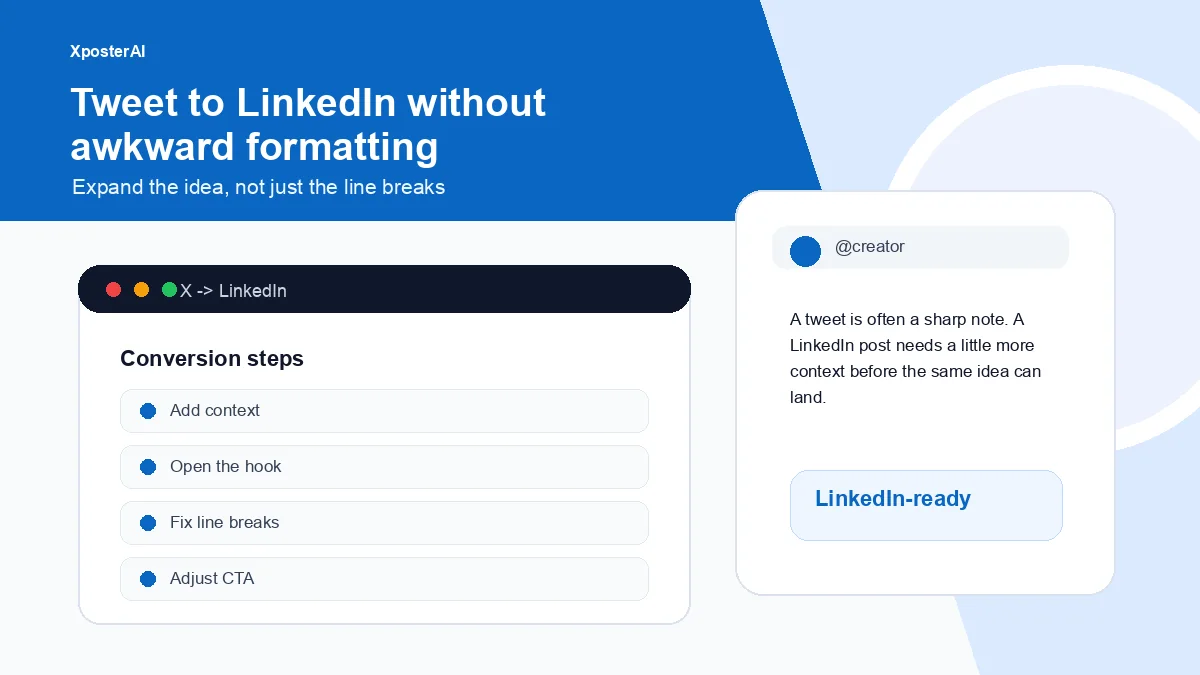
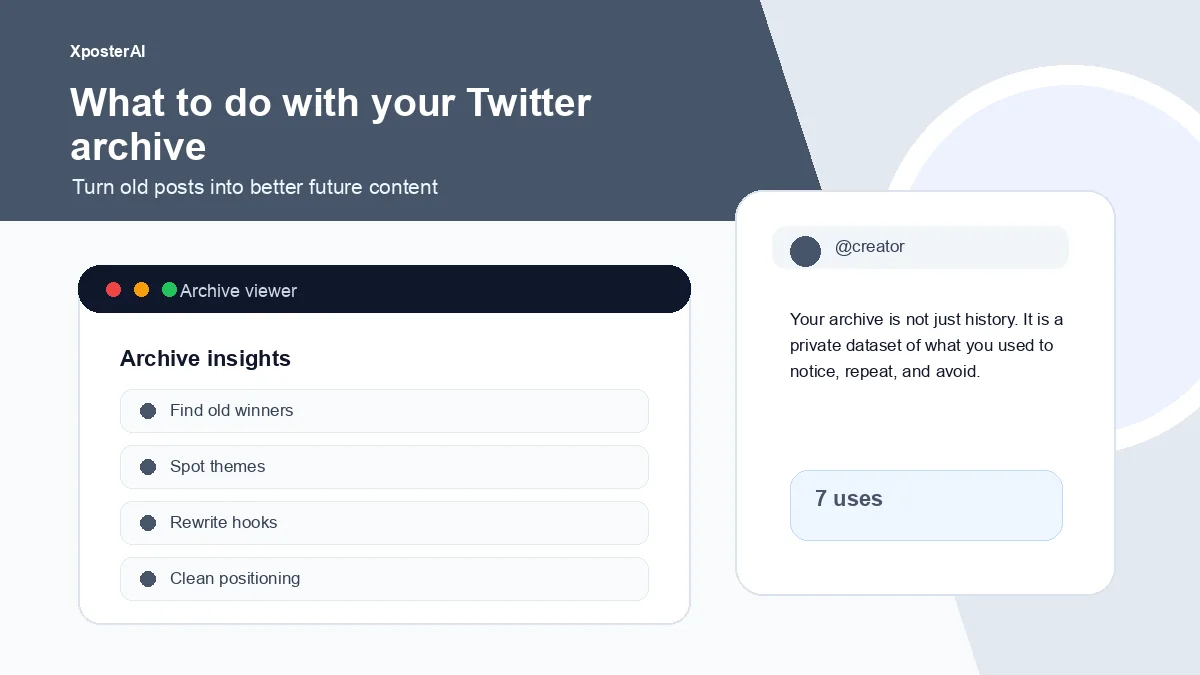
Your own threads, for reuse. A thread that performed is a blog post, a newsletter section, and a LinkedIn post waiting to happen. Unroll it, clean it, then run it through the tweet-to-LinkedIn converter — because LinkedIn formatting breaks X formatting if you paste naively.
Research and references. Someone's 20-part breakdown belongs in your notes app as one searchable document, not as a bookmark you'll never scroll back through. Markdown export keeps the structure.
Drafting in reverse. Writers who think in threads: unroll your published thread, edit the long-form version, and you've got the article your thread was secretly an outline for. (Going the other direction — long text into a thread — is what the thread splitter does; the two tools are inverses, and here's when to use which.)
The cleanup it does
| Input mess | Output |
|---|---|
1/ 2/ 3/ and 1/15 prefixes |
Stripped |
| 🧵 and "a thread:" markers | Stripped |
| Sentences split mid-thought across tweets | Rejoined into paragraphs |
| Double line breaks inside single tweets | Normalized |
| Tweet-boundary paragraph breaks | Kept where they're real |
The result reads like it was written as prose — because it usually was, before the character limit got involved.
Markdown export, for the systems people
The Markdown option exists because unrolled threads mostly land somewhere structured: Obsidian, Notion, a Git-backed blog, a newsletter editor. You get paragraphs, preserved links, and none of the styling debris a rich-text copy drags along.
The full loop
Threads are our favorite format to be honest about: write the outline with the thread outline builder, end strong (cliffhangers, done tastefully), publish — and when a thread earns it, unroll it into the long-form version and let both live. If you want the full thread toolkit in one place, it's collected in free thread and cross-post tools.
Paste your first one into the Thread Unroller — free, no signup, like all our tools.